


All in One Image Editing app for SEO optimization, resize, compress, watermark, upload and backup
- Stores using it
- — Not detected yet
- Rating
- 4.8 / 5 646 reviews
- Price
- $9 / mo Free plan available
- Launched
- September 2016 Canada
Screenshots
About Hextom: Bulk Image Edit & SEO
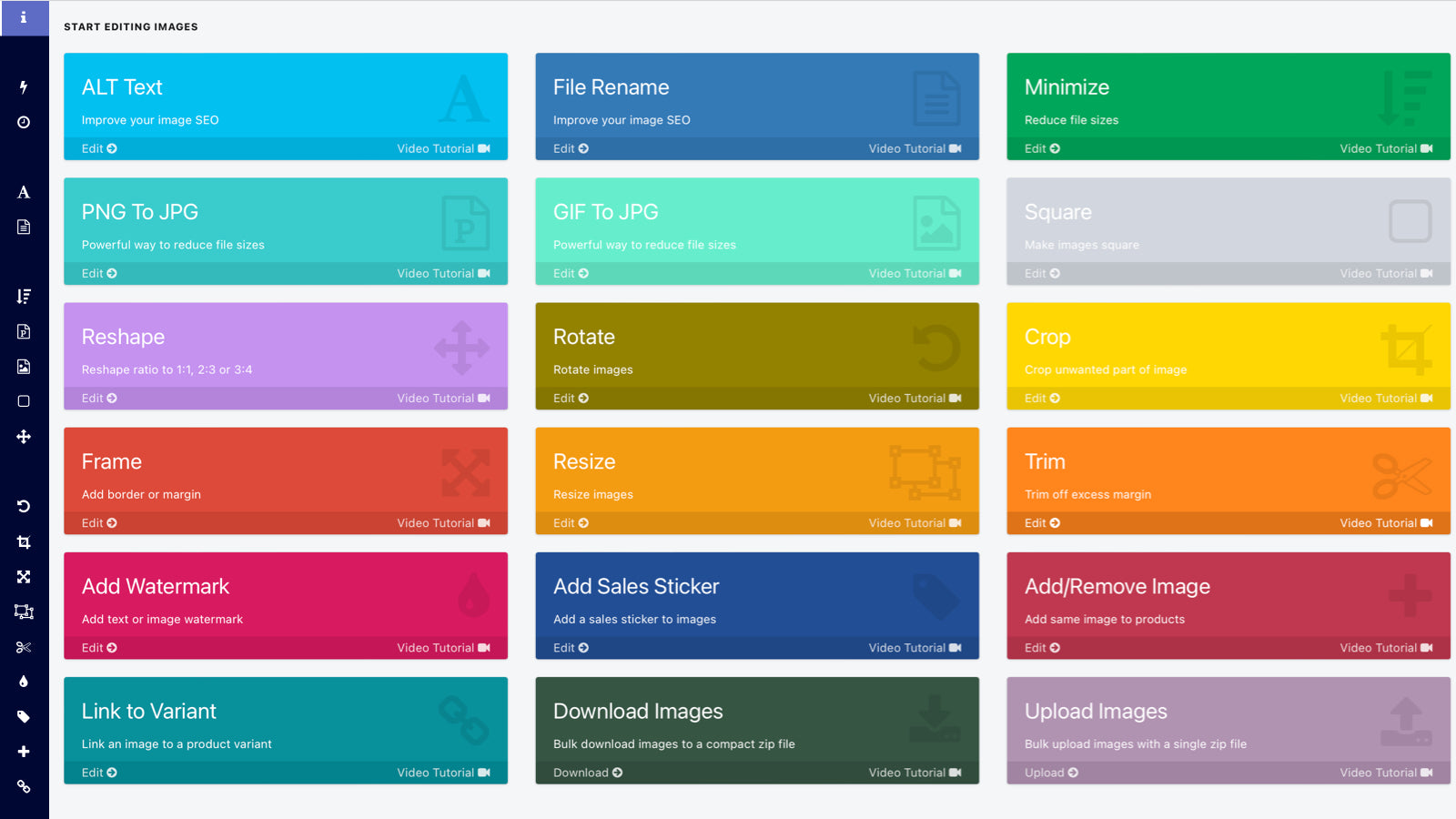
Merchants highly recommend this app for its bulk image editing capabilities, which improve SEO and save time. Key features include resizing, compressing, converting images, adding alt-texts, and renaming files. It also allows for background changes and watermark additions. The app is praised for its ease of use, efficient processing of large image volumes, and reliable scheduled tasks. Customer support is noted for being prompt and knowledgeable.
All in One Image Editing app for SEO optimization, resize, compress, watermark, upload and backup
Elevate your store's performance with stunning visuals that drive product sales. Our app ensures high-quality images, optimized for SEO to boost organic search engine traffic. Experience faster loading times and improved search rankings with compressed images. Maintain a professional and trustworthy store appearance by uniform image sizing. Safeguard your images from competitors. Achieve all this and more with our trusted app, highly endorsed by users—check out the reviews section below.
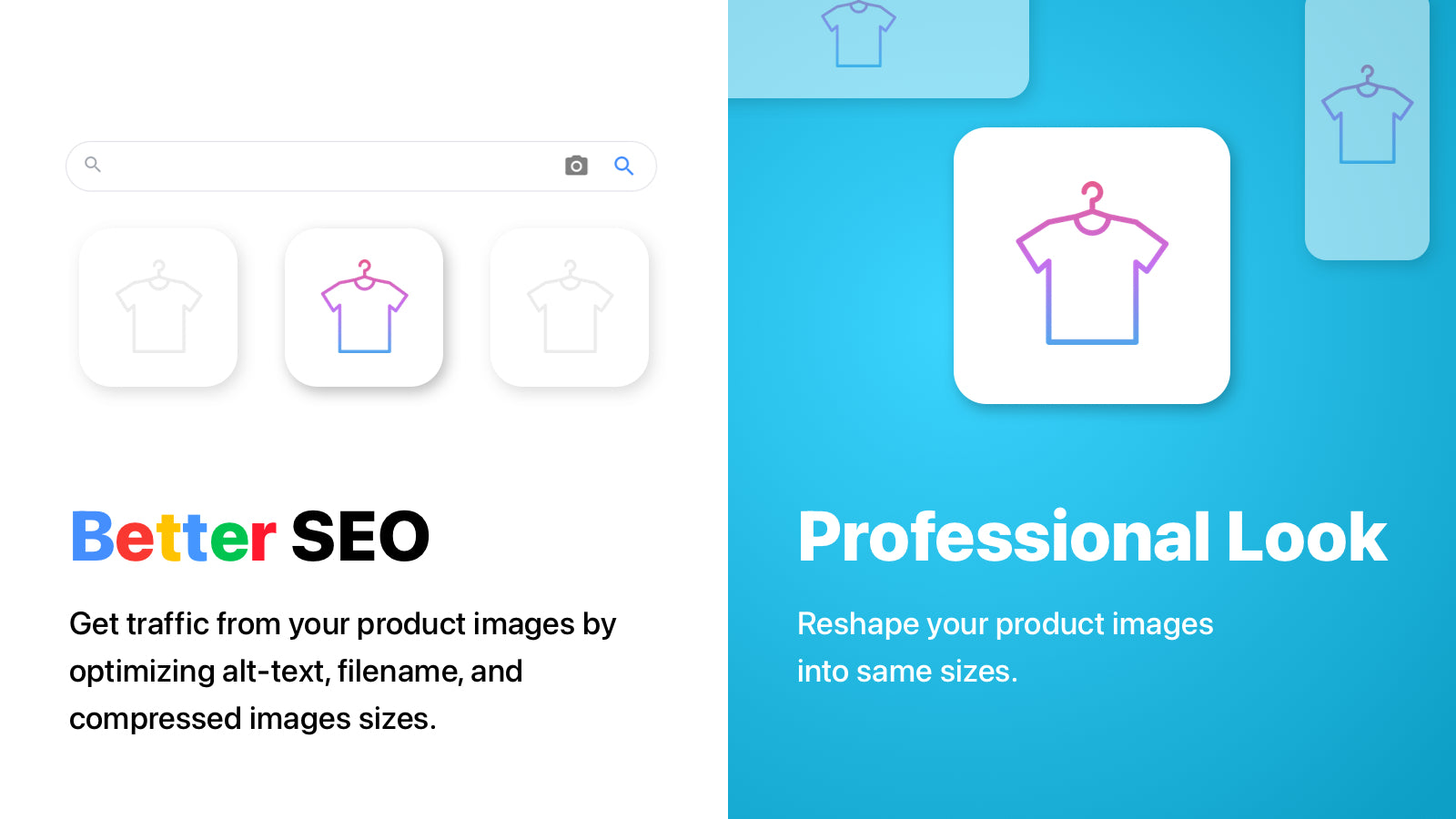
- Improve SEO by optimizing image sizes (loading time), alt-text and file names
- Bulk square, resize, crop, rotate, frame, trim, watermark your images with ease
- Upload & download your store images for backup, restore or product launch
- Aside from bulk edit, Images-to-edit can be individually selected
Features
- ALT text
- Analytics
- Auto-optimization
- Automations
- Bulk editing
- Compression
- Content analysis
- Content optimization
- Convert file types
- Cropping
- Download
- File names
- File naming
- File upload
- Format conversion
- Image backup
- Image compression
- Image optimization
- Image resizing
- Quality control
- Resizing
- SEO
- Speed optimization
- Watermarks
Hextom: Bulk Image Edit & SEO pricing
Free plan available · From $9 / month. Prices in USD; check the App Store for the latest.
-
Starter Plan
Free
- 50 image edits per month
- 1 Active scheduled tasks
- Alt Text (unlimited)
- Minimize
- PNG to JPG
- Resize to Square
- Revert edited images
- 30 day backup
-
Basic Plan
$9 / month
- Starter plan features plus...
- 1000 image edits per month
- 5 scheduled tasks
- Image rename (unlimited)
- Resize
- Crop
- Image frame
- Watermark
-
Professional Plan
$19 / month
- Basic plan features plus...
- 3000 monthly edits
- Unlimited scheduled tasks
- 90 day backup
-
Advanced Plan
$49 / month
- Professional plan features plus...
- 10000 monthly edits
- 180 day backup
Shopify stores using Hextom: Bulk Image Edit & SEO
We haven't detected Hextom: Bulk Image Edit & SEO on a live Shopify store yet. We recognise the apps that leave a trace in a store's code; some apps run only in the admin or the checkout.
Detect apps on any storeFAQ
Hextom: Bulk Image Edit & SEO: FAQ
All in One Image Editing app for SEO optimization, resize, compress, watermark, upload and backup
Hextom: Bulk Image Edit & SEO has a free plan; paid plans start at $9 a month.
We haven't detected Hextom: Bulk Image Edit & SEO on a live Shopify store yet. Scan any store on ShopScan to see the apps it runs.
Hextom: Bulk Image Edit & SEO is built by Hextom, based in Canada, and launched in September 2016.
4.8 out of 5 from 646 reviews on the Shopify App Store.