


A Smart Importer - Bulk Uploads, Importing Product Information from Marketplaces to store.
- Stores using it
- — Not detected yet
- Rating
- 4.7 / 5 213 reviews
- Price
- $19 / mo Lowest paid plan
- Launched
- October 2018 United States
Screenshots
About CedCommerce Importer
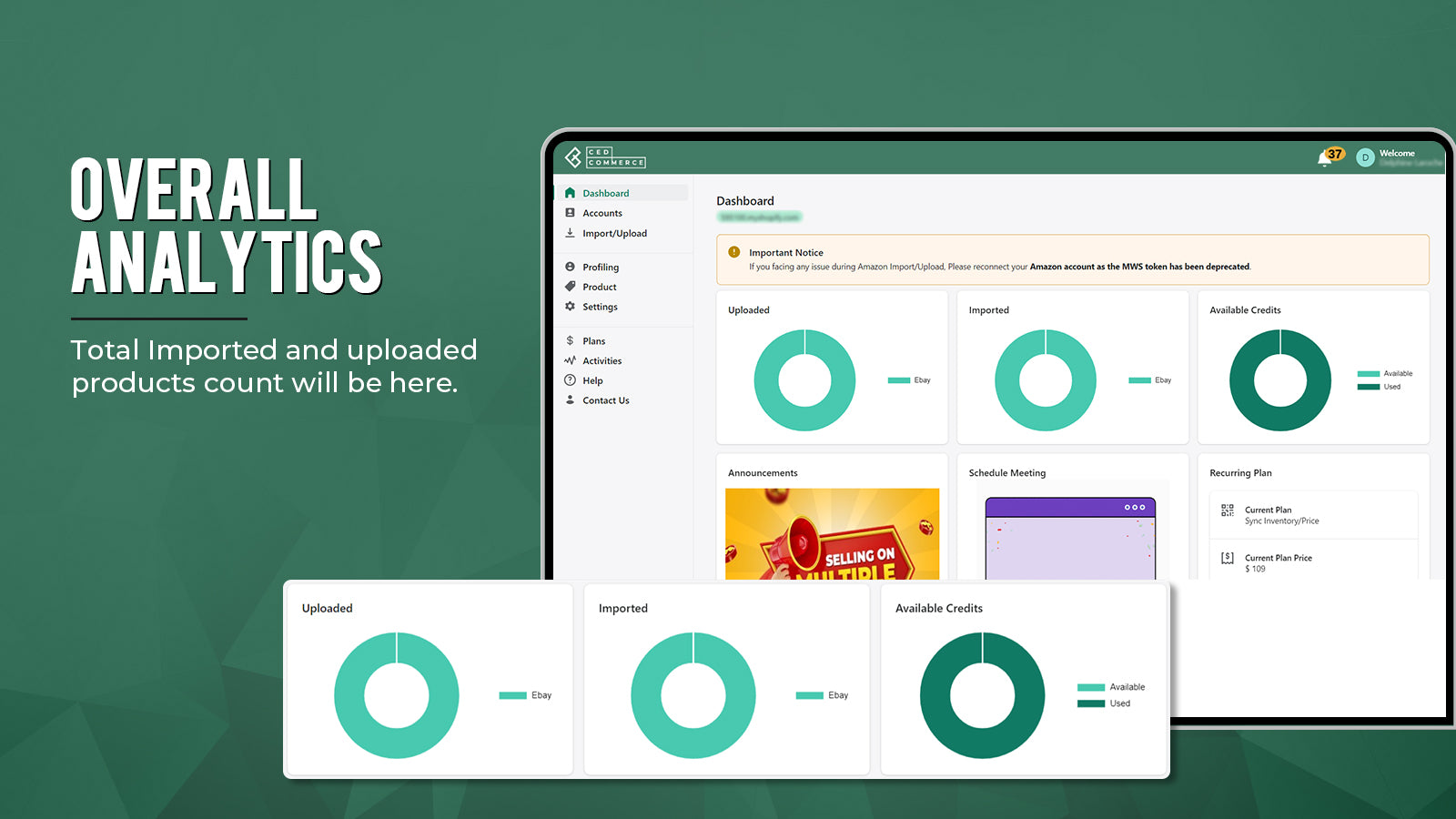
Merchants appreciate this app for its ability to efficiently import products from platforms like Amazon, eBay, Etsy, and Wish into Shopify. It's noted for its cost-effectiveness, bulk import features, and user-friendly interface. Key functionalities include currency conversions and selective data imports. Merchants also praise the exceptional 24/7 customer support for its responsiveness and helpfulness, making it a valuable tool for e-commerce businesses looking to streamline operations.
A Smart Importer - Bulk Uploads, Importing Product Information from Marketplaces to store.
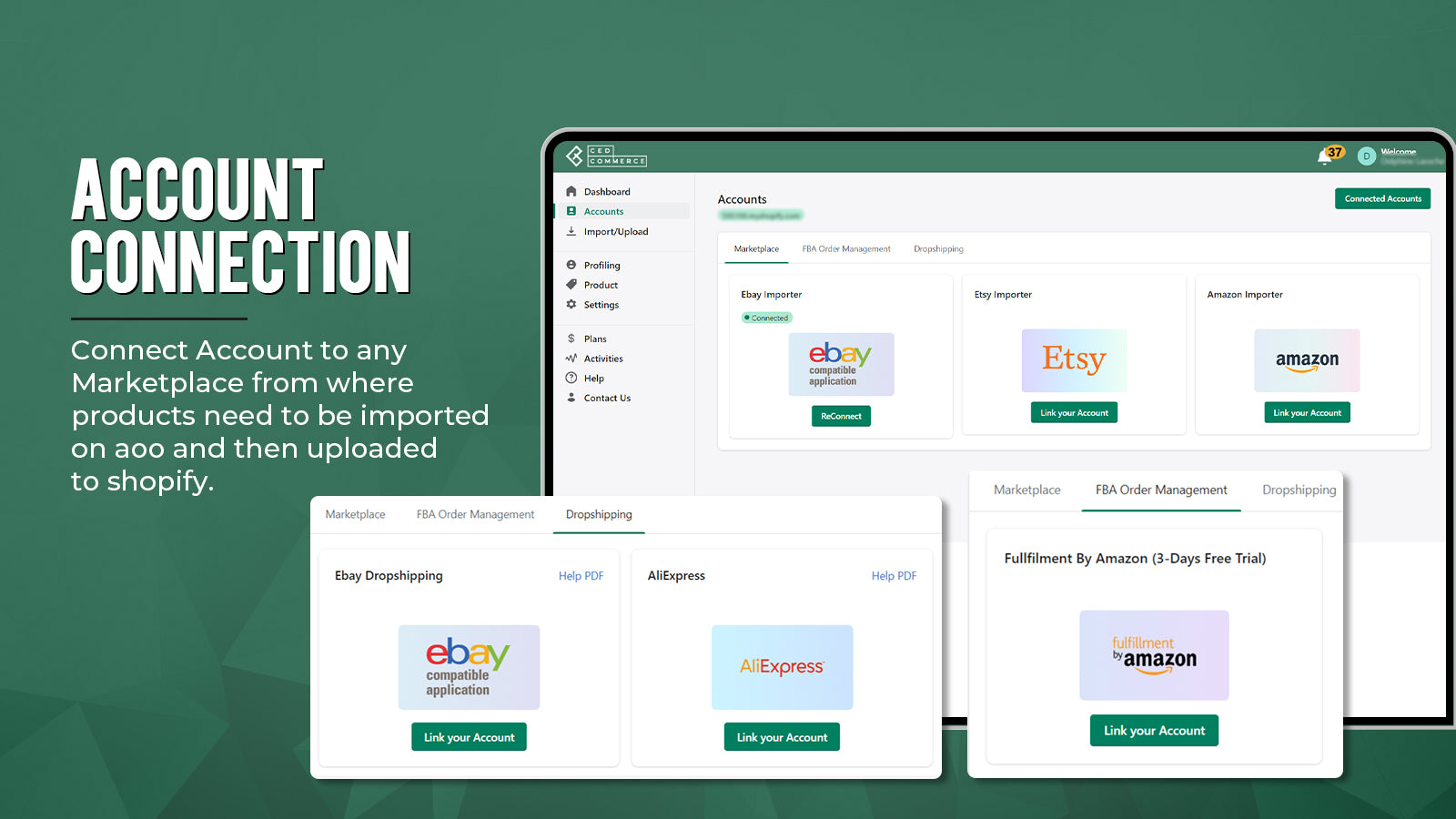
Reinvent the way you import data from various marketplaces to your Shopify store. With the CedCommerce Importer app, you get a comprehensive solution to import products and inventories from leading marketplaces. Be it Amazon, eBay, Etsy, or any other marketplace; syncing product titles, descriptions, and other data now becomes a breeze. Shopify order management via FBA, Etsy product review import, and CSV uploads are some other added benefits of the app.
- Enjoy effortless synchronization and management of data from a single dashboard.
- Ensure timely order fulfillment with the FBA order management feature.
- CSV compatible - basic attribute mapping and upload product process via CSV.
- Product data customization - edit product titles, SKUs, etc., from the app.
- Enjoy 24/7*365 days of constant customer support from our team of experts.
Features
- Automated alerts
- Automatic
- Barcodes
- Bulk
- Bulk export
- Bulk import
- Bulk updates
- CSV
- Data import and export
- Email alerts
- Error reports
- Inventory alerts
- Inventory sync
- Low stock alerts
- Metafields
- Order sync
- Order updates
- Orders
- Price sync
- Prices
- Product details
- Product sync
- Products
- Real-time
- Real-time status
- Real-time sync
- SKUs
- Scheduled sync
- Two-way sync
- Variants
CedCommerce Importer pricing
From $19 / month. Prices in USD; check the App Store for the latest.
-
Basic
$19 / month
199 billed yearly (save 13%)
- Sync price/inv for up to 800 products
- List up to 60 products/month on Shopify.
- 24*7 Unlimited Support
-
Starter
$29 / month
299 billed yearly (save 14%)
- Sync price/inv for up to 1,500 products
- List up to 100 productsvon Shopify.
- 24*7 Unlimited Support
- Dedicated Account Manager.
-
Pro
$49 / month
499 billed yearly (save 15%)
- Sync price/inv for up to 2,500 products
- List up to 200 products on Shopify.
- 24*7 Unlimited Support
- Dedicated Account Manager.
-
Enterprise
$109 / month
1299 billed yearly (save 1%)
- List up to 800 products/month
- Sync Inventory/Price
- 24*7 Support
- Dedicated Account Manager
Shopify stores using CedCommerce Importer
We haven't detected CedCommerce Importer on a live Shopify store yet. We recognise the apps that leave a trace in a store's code; some apps run only in the admin or the checkout.
Detect apps on any storeFAQ
CedCommerce Importer: FAQ
A Smart Importer - Bulk Uploads, Importing Product Information from Marketplaces to store.
No. Plans start at $19 a month.
We haven't detected CedCommerce Importer on a live Shopify store yet. Scan any store on ShopScan to see the apps it runs.
CedCommerce Importer is built by CedCommerce, based in United States, and launched in October 2018.
4.7 out of 5 from 213 reviews on the Shopify App Store.