


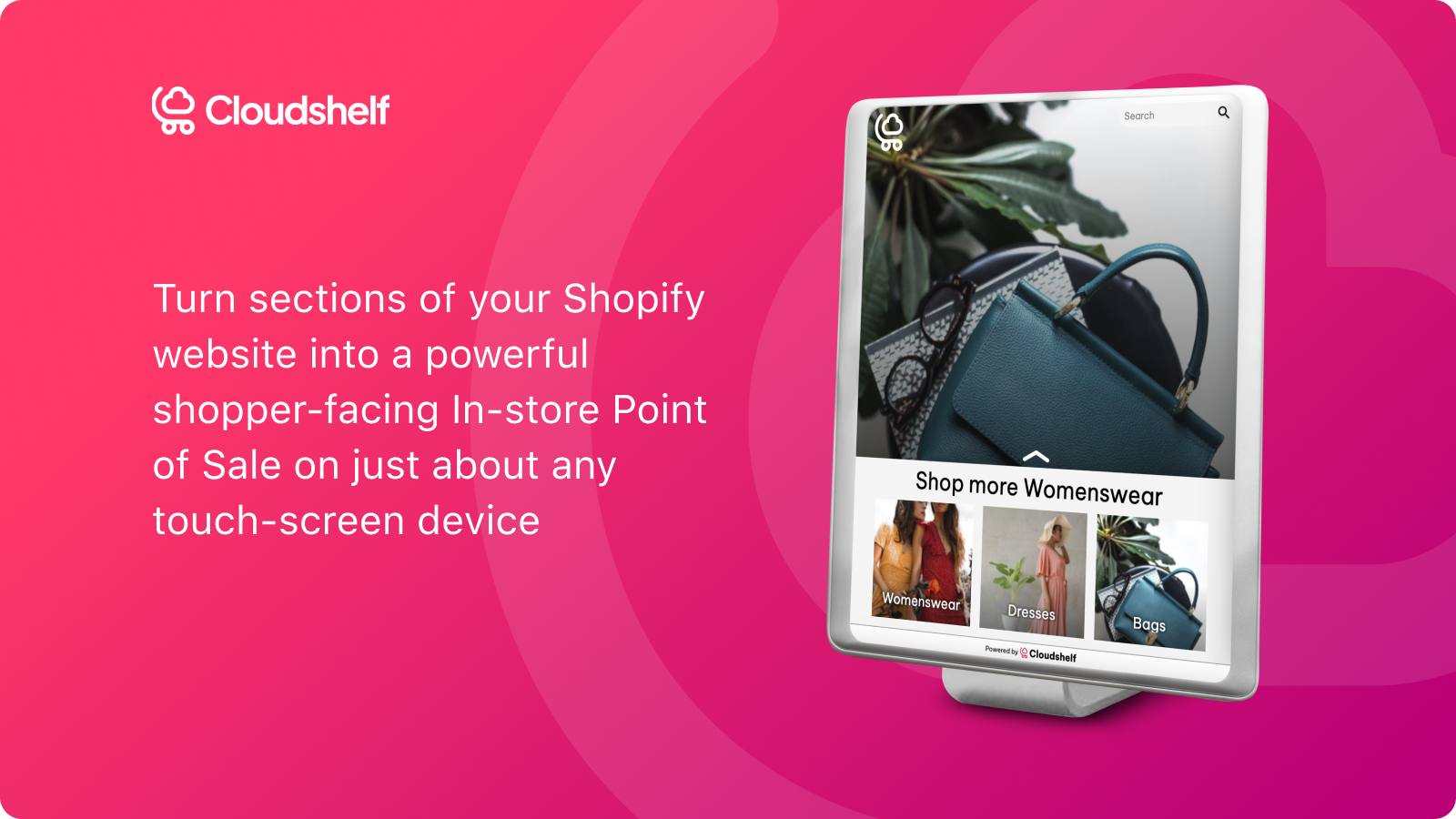
Kiosk, endless-aisle, customer POS and digital signage for your brick-and-mortar stores and events
- Stores using it
- — Not detected yet
- Rating
- 5.0 / 5 26 reviews
- Price
- $59 / mo Free plan available
- Launched
- March 2022 United Kingdom
Screenshots
About Cloudshelf
Kiosk, endless-aisle, customer POS and digital signage for your brick-and-mortar stores and events
Avoid walkouts from people who couldn't find the product they wanted and left your store without making the purchase. Try pop-ups or new locations without needing to duplicate all your stock. Cloudshelf automatically creates stunning in-store displays and interactive experiences that your shoppers and store staff will love. Help them find the product they want and pay for it securely. Track all transactions back to each store. Keep all data in sync with your website.
- Increase in-store discovery - help shoppers find products that aren't on display
- Sell even when not in-stock - close sales while shopper is in store
- Create stunning digital experiences in minutes - both interactive and display
- Reward store staff - allocate sales back to the store and even to staff members
- No programming - set up in a few clicks
Features
- APIs and webhooks
- Auto-updates
- Barcode scanning
- Cart pages
- Collections
- Content syncing
- Custom code
- Custom fonts
- Discounts
- Draft orders
- Editor tool
- Home pages
- Inventory levels
- Landing pages
- Localization
- Multi-location
- Payments
- Pricing pages
- Product pages
- QR codes
- Real-time sync
- Receipt printing
- Reporting
- Sales commissions
- Sales reports
- Save cart
- Self-service portal
- Staff permissions
- Store credit
- Theme sections
- Translation
- User permissions
Cloudshelf pricing
Free plan available · From $59 / month. Prices in USD; check the App Store for the latest.
-
Discovery for life
Free
- One device only
- Unlimited previews
- Interactive mode
- Theme customisation
- Real time sync with Shopify data
- Smart tiles
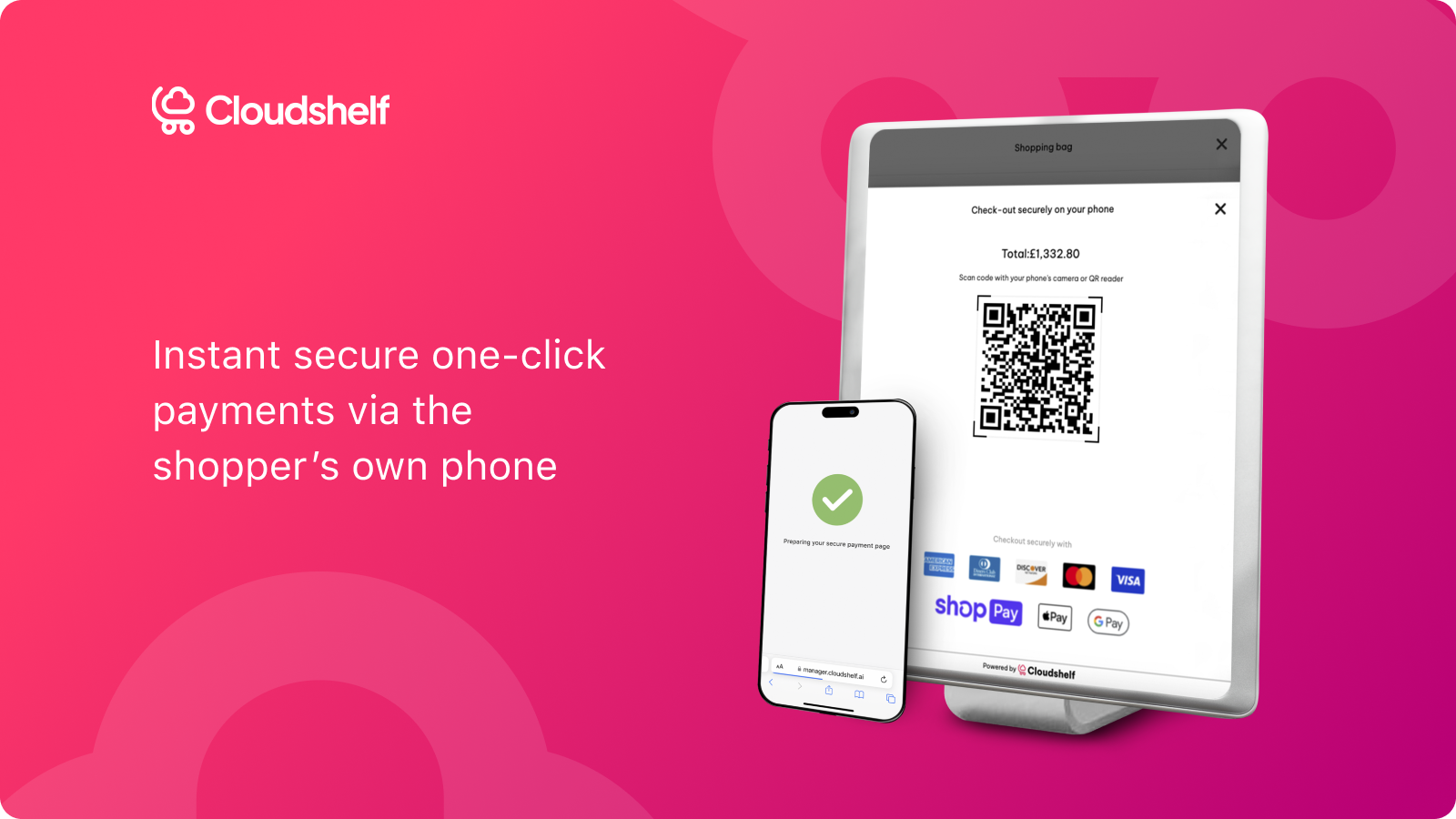
- QR payment
-
Starter
$59 / month
- Price per store, Single display per store *plan available to independent retailers with up to 3 locations
- Everything in Discovery, plus:
- Email support
- Attract loop
- Attribution of sales to stores
- Option to remove Cloudshelf branding
-
Standard
$119 / month
- Price per store, up to 3 devices per store
- Everything in Starter plus:
- Phone / video support
- Up to 3 devices per store
- Product customisation
- Store dashboard
- Sales attribution
-
Enterprise
$199 / month
- Price per store, up to 6 devices per store. Contact [email protected] for bigger set ups.
- Standard plus:
- Up to 6 devices per store
- Dedicated Account Manager
- Display mode and video
- Card payment & ShopifyPOS
- User rights
- CSS
Shopify stores using Cloudshelf
We haven't detected Cloudshelf on a live Shopify store yet. We recognise the apps that leave a trace in a store's code; some apps run only in the admin or the checkout.
Detect apps on any storeFAQ
Cloudshelf: FAQ
Kiosk, endless-aisle, customer POS and digital signage for your brick-and-mortar stores and events
Cloudshelf has a free plan; paid plans start at $59 a month.
We haven't detected Cloudshelf on a live Shopify store yet. Scan any store on ShopScan to see the apps it runs.
Cloudshelf is built by Cloudshelf Ltd, based in United Kingdom, and launched in March 2022.
5.0 out of 5 from 26 reviews on the Shopify App Store.