


Quickly delete products automatically!
- Stores using it
- — Not detected yet
- Rating
- 4.9 / 5 124 reviews
- Price
- Free
- Launched
- September 2021 Hong Kong SAR China
Screenshots
About Kacha Delete Products In Bulk
Merchants highly value this app for its efficient bulk deletion capabilities, crucial for store closures or inventory clean-ups. It can swiftly delete thousands of products, including drafts and active items, from specific collections or the entire store. The interface is simple and glitch-free, enhancing its reliability. Additionally, its free cost is economically advantageous, with merchants praising the developer's support in managing large-scale product deletions.
Quickly delete products automatically!
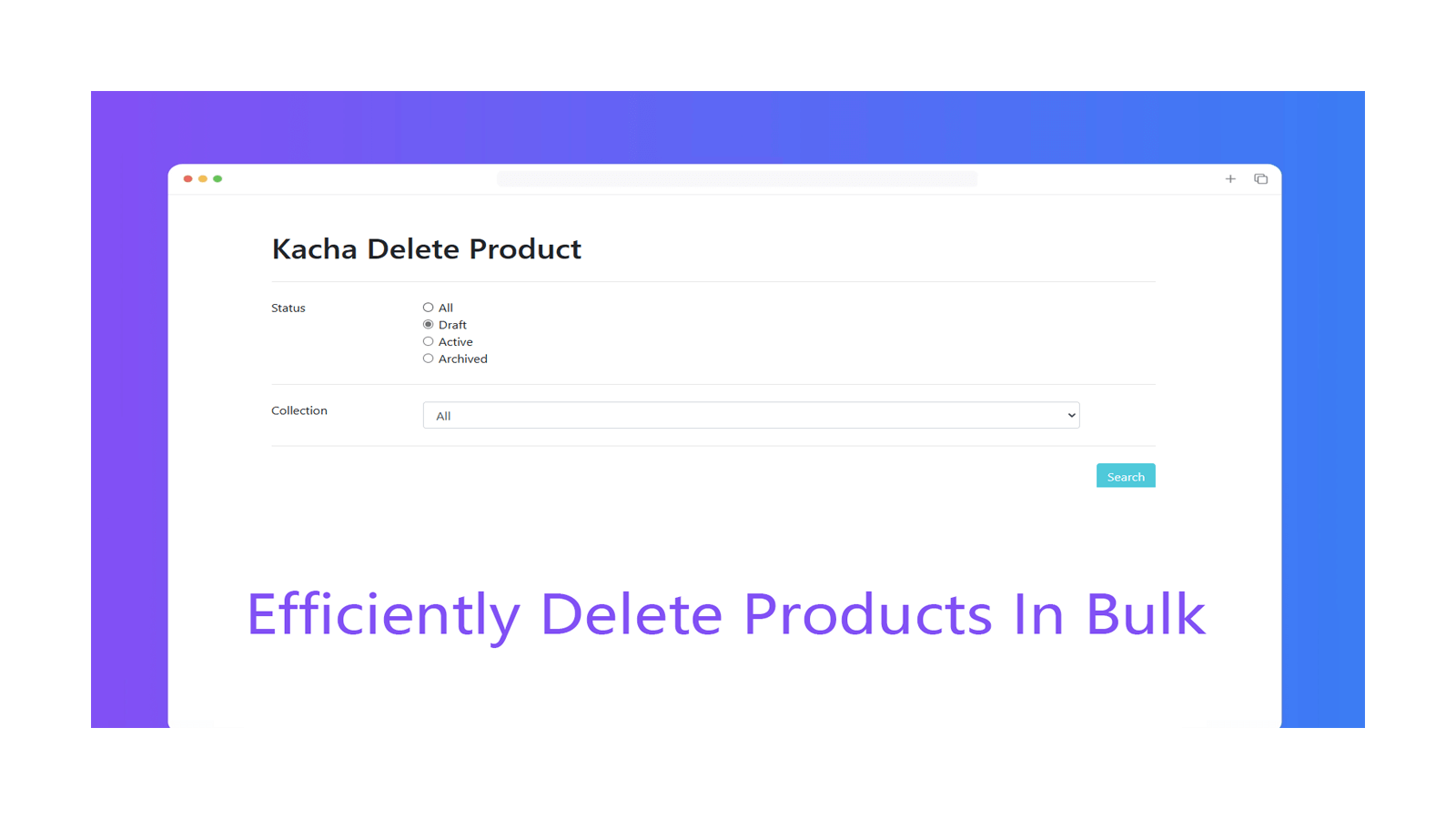
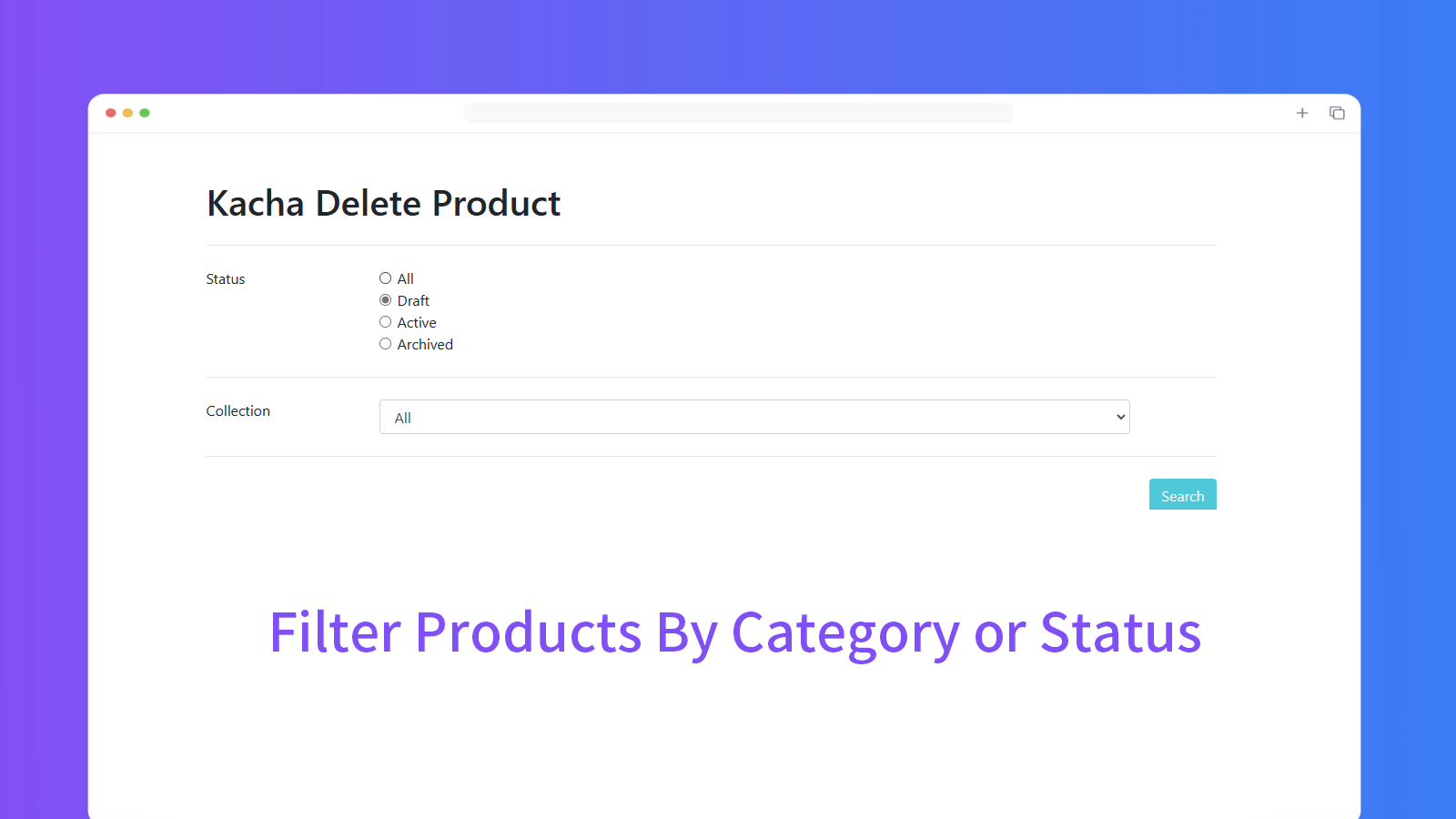
Simple and easy to use, automatically delete products according to your conditions, no longer need to click one by one, safe and efficient!
- Multiple criteria to delete products
- Fully automatic product removal
- Simple functions and user-friendly interface
Shopify stores using Kacha Delete Products In Bulk
We haven't detected Kacha Delete Products In Bulk on a live Shopify store yet. We recognise the apps that leave a trace in a store's code; some apps run only in the admin or the checkout.
Detect apps on any storeFAQ
Kacha Delete Products In Bulk: FAQ
Quickly delete products automatically!
Yes, Kacha Delete Products In Bulk is free to use.
We haven't detected Kacha Delete Products In Bulk on a live Shopify store yet. Scan any store on ShopScan to see the apps it runs.
Kacha Delete Products In Bulk is built by Bingo, based in Hong Kong SAR China, and launched in September 2021.
4.9 out of 5 from 124 reviews on the Shopify App Store.