


Digital Downloads makes selling digital files simple, right from your Shopify store.
- Stores using it
- — Not detected yet
- Rating
- 4.8 / 5 1,356 reviews
- Price
- Free
- Launched
- November 2012 Canada
Screenshots
About Digital Downloads
Digital Downloads makes selling digital files simple, right from your Shopify store.
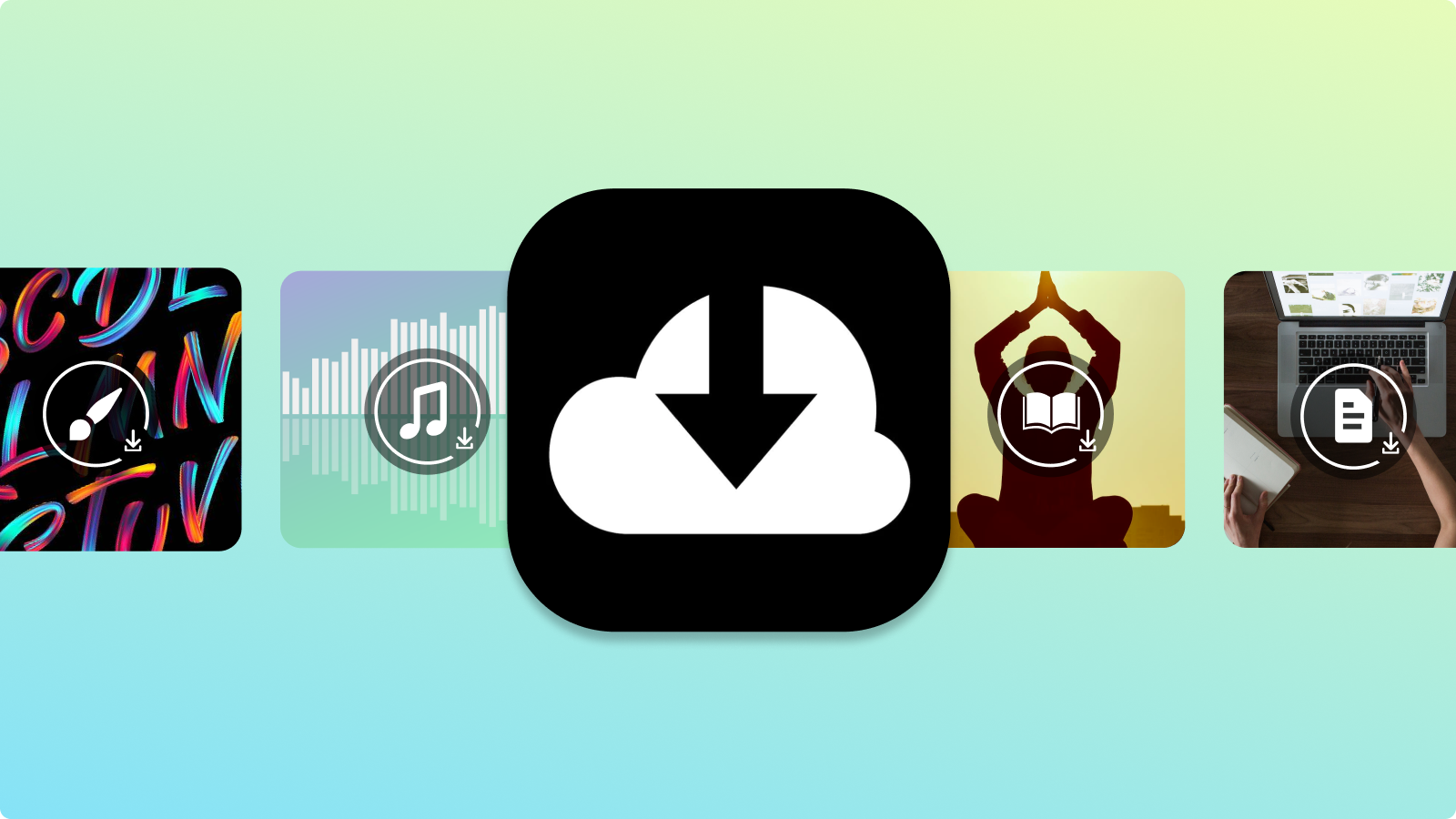
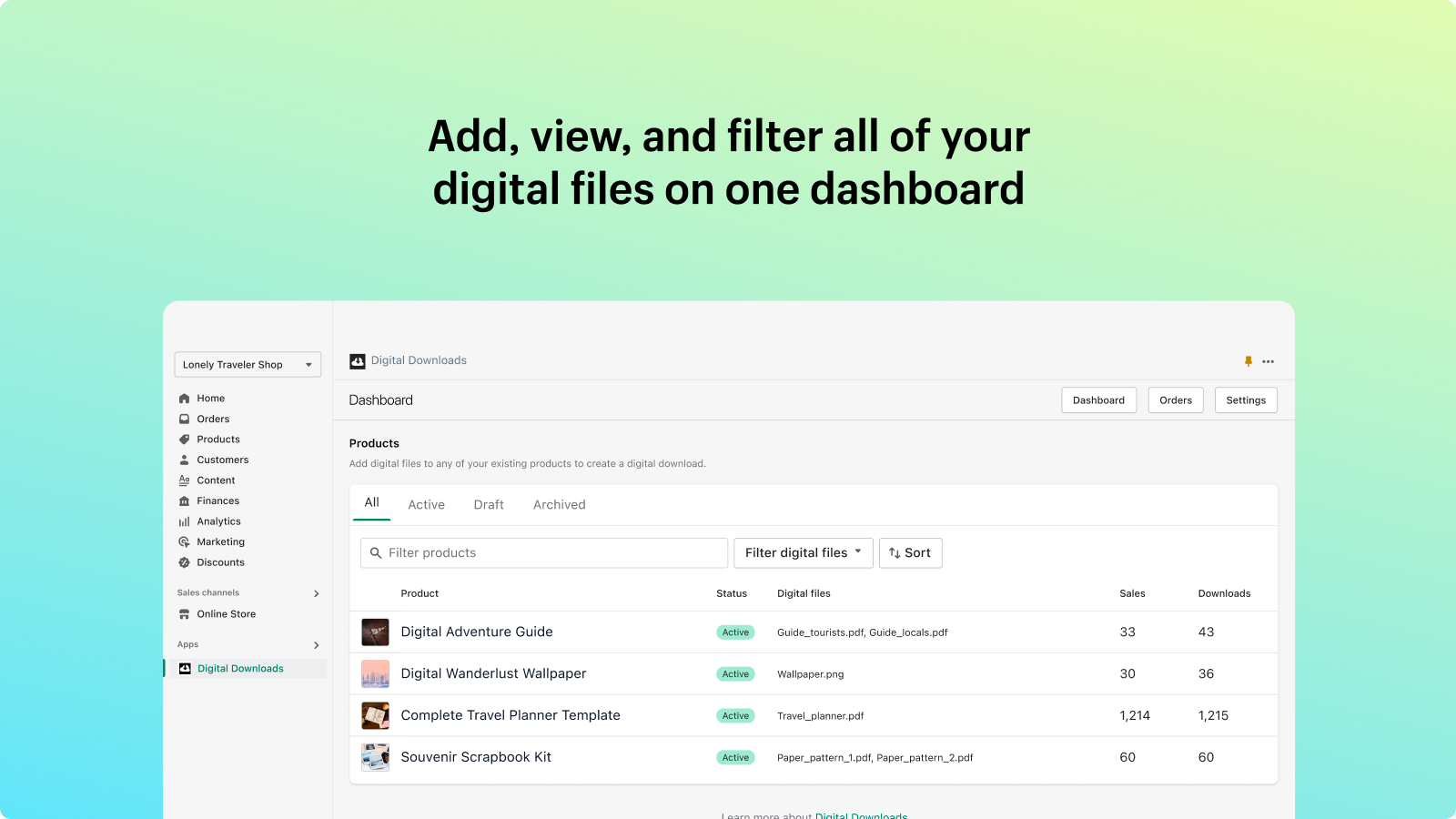
Sell digital files like e-books, digital art, graphics and more from your Shopify store with the Digital Downloads app. Whether you’re a content creator or a business of any size, this app integrates seamlessly with your Shopify store, making it quick and simple to add digital files to new or existing products, track orders, send direct download links to customers, and more.
- Add PDFs, JPEGs, ZIP files and more to any product right from the app.
- Set custom download limits and send links any time upon purchase.
- Combine digital files with physical or digital product variants.
Features
- Audio
- Courses
- Custom
- Digital art
- Download limits
- Ebooks
- Email delivery
- File hosting
- Games
- PDFs
- Software
- Unlimited downloads
- Videos
Shopify stores using Digital Downloads
We haven't detected Digital Downloads on a live Shopify store yet. We recognise the apps that leave a trace in a store's code; some apps run only in the admin or the checkout.
Detect apps on any storeFAQ
Digital Downloads: FAQ
Digital Downloads makes selling digital files simple, right from your Shopify store.
Yes, Digital Downloads is free to use.
We haven't detected Digital Downloads on a live Shopify store yet. Scan any store on ShopScan to see the apps it runs.
Digital Downloads is built by Shopify, based in Canada, and launched in November 2012.
4.8 out of 5 from 1,356 reviews on the Shopify App Store.