


Create any type of contact form, custom forms or multi step order forms for your store easily.
- Stores using it
- — Not detected yet
- Rating
- 4.7 / 5 37 reviews
- Price
- $9 / mo Free plan available
- Launched
- July 2017 United States
Screenshots
About EM Form Builder
Create any type of contact form, custom forms or multi step order forms for your store easily.
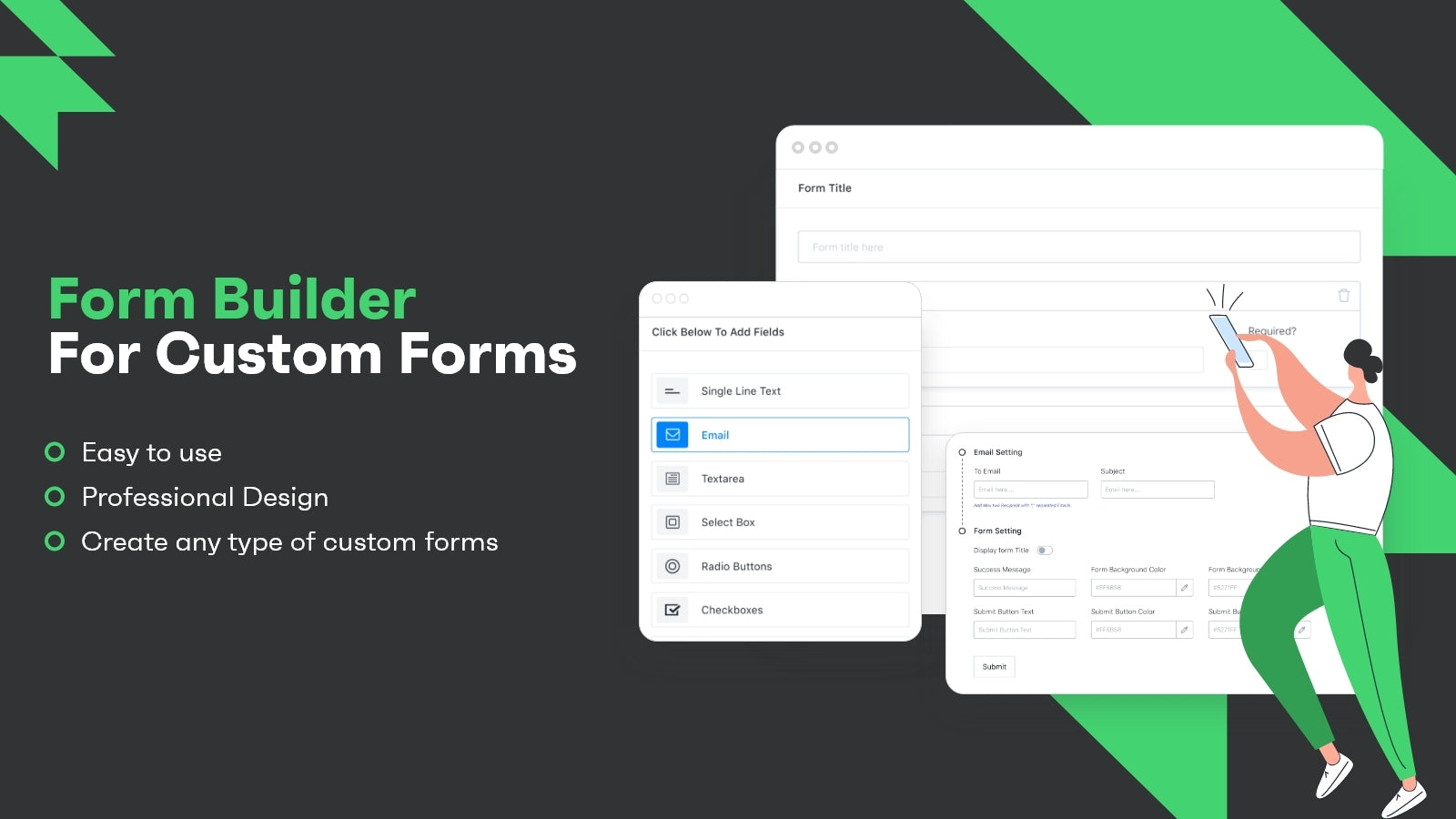
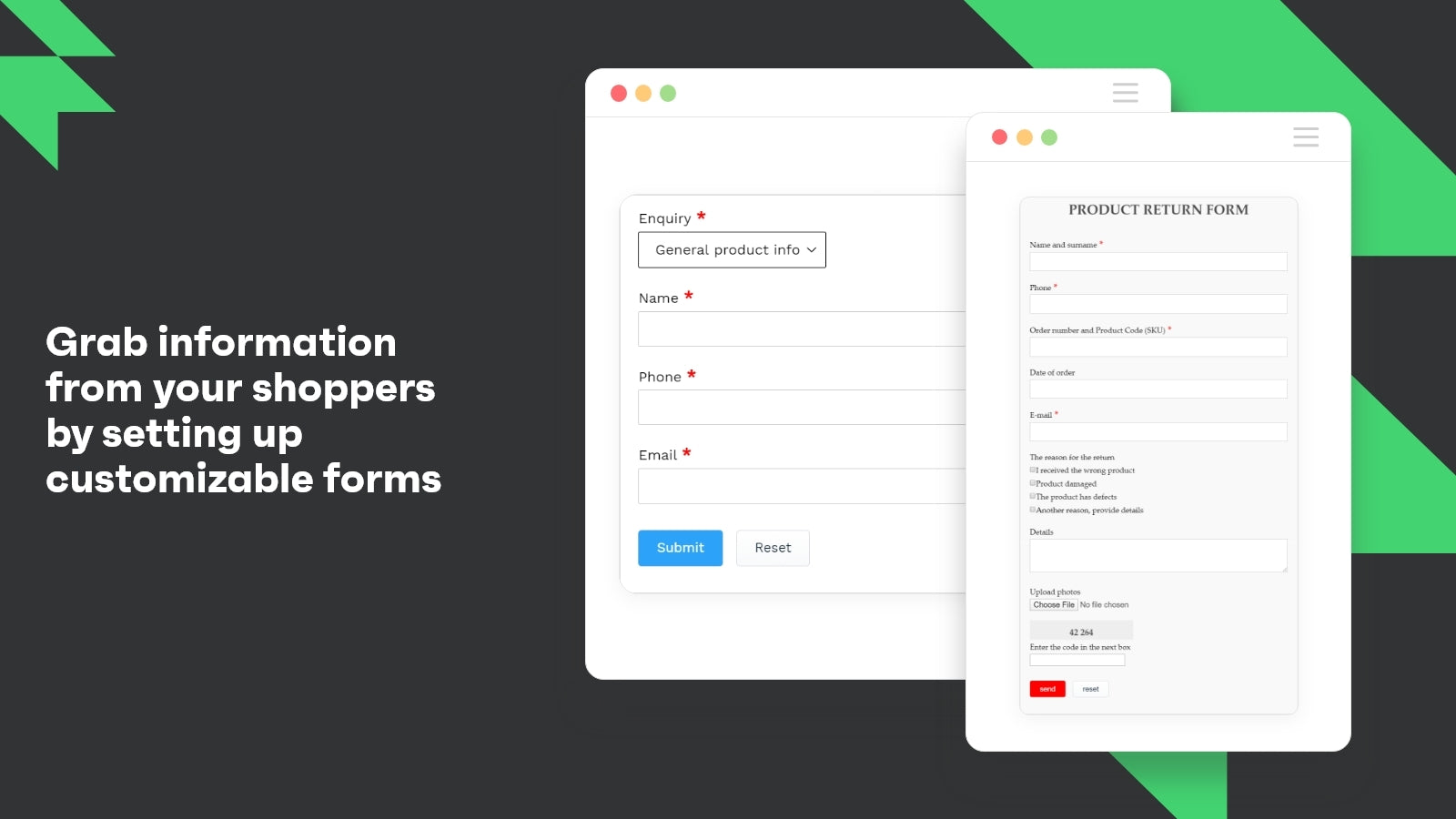
EVM Forms - Simple & Easy contact form app with many features, easy customer support and easy user interface too. You can create any type of custom forms with this app like registration form, contact us form, questionnaire form, wholesale form, wholesale order form, an order form, survey form, return form, multi step form, feedback form, Popup form, enquiry form and more.
- Create contact us form, questionnaire form, order forms or any form with captcha
- Get all form entries in app dashboard to manage it anytime & get it on email too
- Create form with conditional logic for dynamic forms
- Drag n Drop interface for easy setup, form builder with file upload option
- Create multistep forms with EVM Custom Form Builder + Feedback Form, Order Form
Features
- Analytics
- Applications
- Attribution
- Auto-sync
- Bookings
- CAPTCHA
- Conditional logic
- Contacts
- Custom
- Custom CSS
- Custom JavaScript
- Custom fields
- Custom styles
- Customer satisfaction
- Dashboard
- Data export
- Drag and drop editor
- Dynamic logic
- Email responses
- Embedded forms
- Feedback
- File upload
- Font and color
- Form limits
- GDPR checkbox
- History
- Market research
- Multi-language
- Multi-page
- Multi-step
- Net Promoter Score (NPS)
- Newsletters
- Orders
- Pop-ups
- Post-purchase
- Pricing quotes
- Product feedback
- Real-time editing
- Registrations
EM Form Builder pricing
Free plan available · Free trial · From $9 / month. Prices in USD; check the App Store for the latest.
-
Free
Free
- Create 1 Form
- Create upto 10 fields
- Get Forms Data To Email
- One Click Install
- Customizations
- 100 Submissions/Month
- Email/Live Chat Support
-
Basic
$9 / month
76 billed yearly (save 30%)
- Create upto 2 Forms
- File Upload Feature
- Send Customer Forms To Email
- 100 Submissions/Month
- Customizations
- Email/Live Chat Support
-
Pro Plan
$19 / month
160 billed yearly (save 30%)
- Create upto 5 Forms
- File Upload Feature
- Send Customer Forms To Email
- Get Form Data in Admin
- 1500 Submissions/Month
- Customizations
-
Premium
$29 / month
244 billed yearly (save 30%)
- Create upto 10 Forms
- Dynamic Conditional Logic
- Image Upload
- Captcha
- Get Response by Email
- Check Submission in Admin
- 4000 Submissions/Month
Shopify stores using EM Form Builder
We haven't detected EM Form Builder on a live Shopify store yet. We recognise the apps that leave a trace in a store's code; some apps run only in the admin or the checkout.
Detect apps on any storeFAQ
EM Form Builder: FAQ
Create any type of contact form, custom forms or multi step order forms for your store easily.
EM Form Builder has a free plan; paid plans start at $9 a month.
We haven't detected EM Form Builder on a live Shopify store yet. Scan any store on ShopScan to see the apps it runs.
EM Form Builder is built by Expert Village Media Technologies, based in United States, and launched in July 2017.
4.7 out of 5 from 37 reviews on the Shopify App Store.