


Sync Amazon, eBay, Bol.com, Zalando, Wish & more. Boost sales channels, ads, traffic & marketing.
- Stores using it
- — Not detected yet
- Rating
- 4.7 / 5 117 reviews
- Price
- $24 / mo Free trial
- Launched
- November 2014 Czechia
Screenshots
About Koongo: Sell on Marketplaces
Merchants praise this app for its ability to manage product feeds and order synchronization across channels like Amazon and Google Shopping. It supports business growth by allowing expansion into new marketplaces with customizable feeds and flexible pricing strategies. The app is noted for its smooth performance and quick updates. Merchants also commend the responsive and effective support team and appreciate the multilingual support for global usability.
Sync Amazon, eBay, Bol.com, Zalando, Wish & more. Boost sales channels, ads, traffic & marketing.
Don’t miss marketplace sales, expand your business! Product listing on marketplaces might be tricky due to complex requirements. Product data specifications, regular stock updates, and fast order syncing are some of the issues that every marketplace seller must face. Koongo is here to help you, allowing easy and affordable marketplace integration and data feed management. You can simply list products on marketplaces and advertising channels to reach new customers & grow your business.
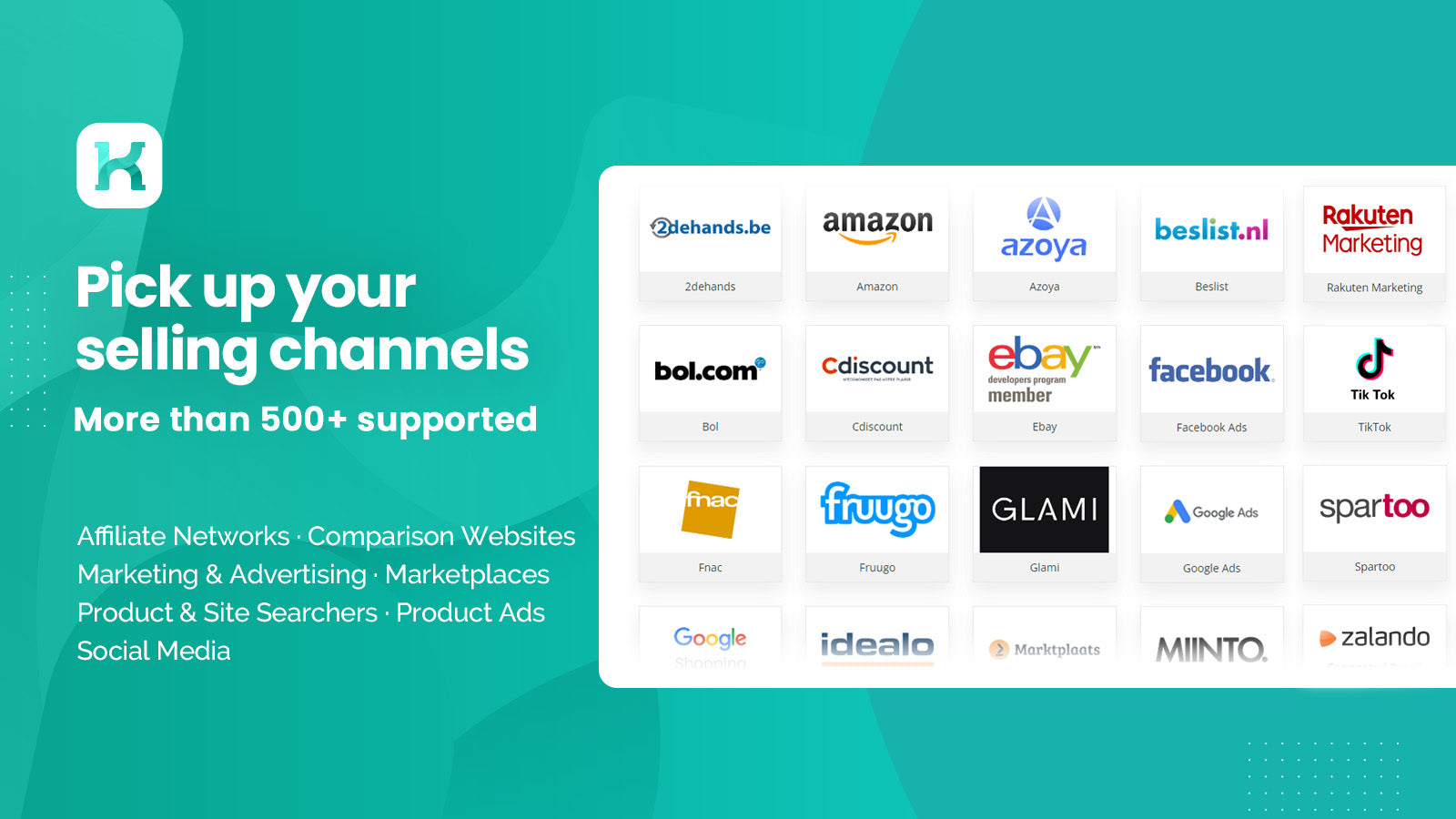
- Sell everywhere-> Amazon, eBay, Zalando, Bol.com, Allegro, Kaufland, Wish, etc.
- Advertise extensively-> Google Shopping, Ads, TikTok, Facebook, Instagram, Bing.
- Maximize rate of success orders-> Frequent data updates every 5/15/30 minutes.
- Save time-> Ready-to-use templates for 500+ channels within data feed manager.
- Risk free-> Try Koongo with full functionality & support.
Features
- Attribute filtering
- Attribute mapping
- Bulk editing
- Feed automation
- Feed optimization
- Local inventory
- Multi-location fulfillment
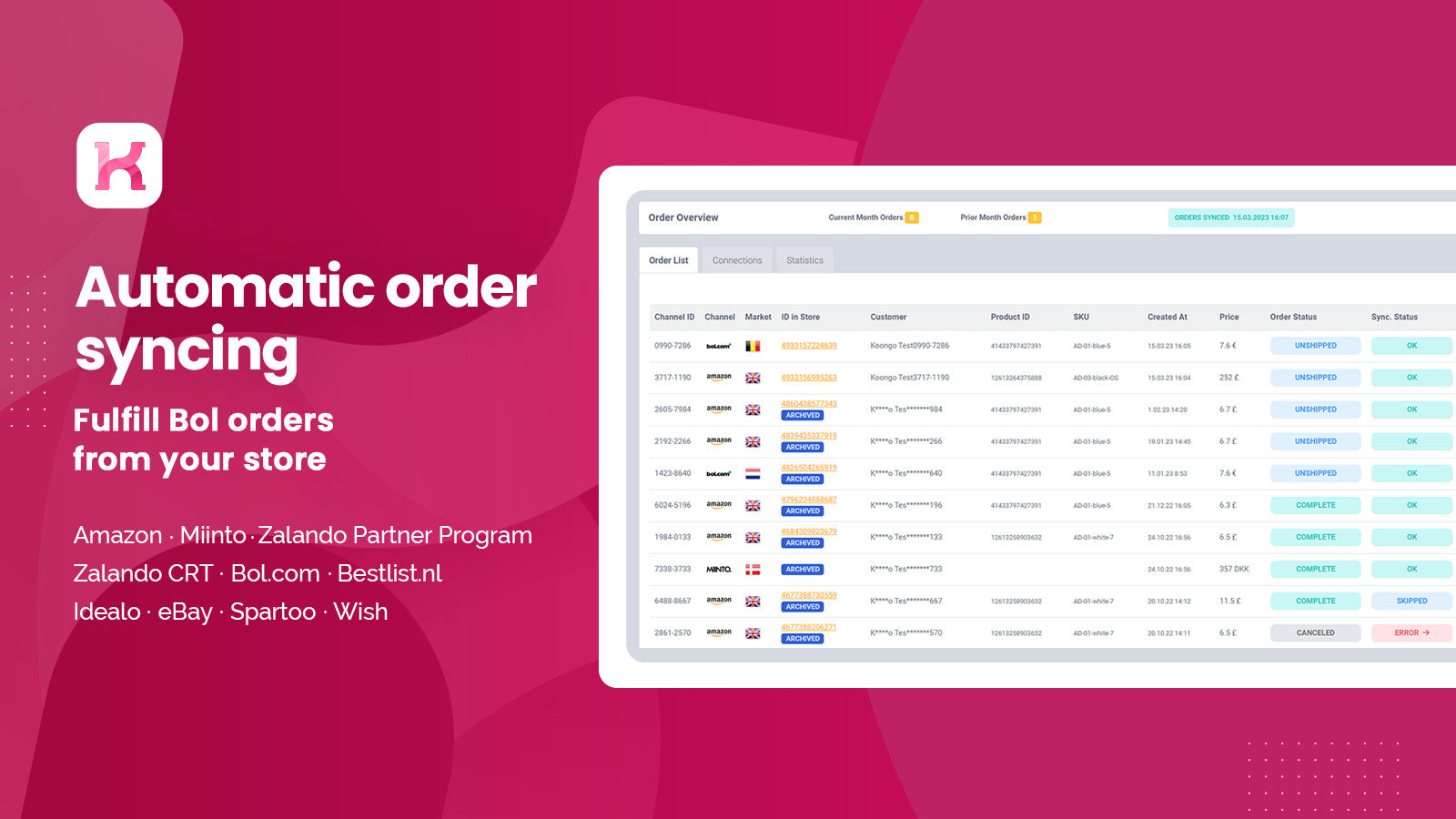
- Order sync
- Product feed
- Product sync
- Tracking sync
- Variant sync
Koongo: Sell on Marketplaces pricing
Free trial · From $24 / month. Prices in USD; check the App Store for the latest.
-
Basic Plan
$24 / month
- Upgradable - $4 per extra 1k items
- 1 store
- 10 selling channels included
- 2000 items
- 30-min product sync
- 15-min order sync
- Support Desk assistance
- 30-day free trial
-
Standard Plan
$36 / month
- Upgradable - $6 per extra 1k items
- 1 store
- Unlimited channels
- 2000 items
- 15-min product sync
- 15-min order sync
- Support Desk & Live Chat assistance
- 30-day free trial
-
Premium Plan
$48 / month
- Upgradable - $7 per extra 1k items
- 1 store
- Unlimited channels
- 2000 items
- 5-min product sync
- 5-min order sync
- Support Desk, Live Chat & Video Call
- 30-day free trial
Shopify stores using Koongo: Sell on Marketplaces
We haven't detected Koongo: Sell on Marketplaces on a live Shopify store yet. We recognise the apps that leave a trace in a store's code; some apps run only in the admin or the checkout.
Detect apps on any storeFAQ
Koongo: Sell on Marketplaces: FAQ
Sync Amazon, eBay, Bol.com, Zalando, Wish & more. Boost sales channels, ads, traffic & marketing.
No. Plans start at $24 a month, with a free trial.
We haven't detected Koongo: Sell on Marketplaces on a live Shopify store yet. Scan any store on ShopScan to see the apps it runs.
Koongo: Sell on Marketplaces is built by Koongo, based in Czechia, and launched in November 2014.
4.7 out of 5 from 117 reviews on the Shopify App Store.