


The app automatically tags/untags products based on creation or published time.
- Stores using it
- — Not detected yet
- Rating
- 4.9 / 5 20 reviews
- Price
- $5 / mo Free trial
- Launched
- November 2020 New Zealand
Screenshots

About New Arrivals Maestro
The app automatically tags/untags products based on creation or published time.
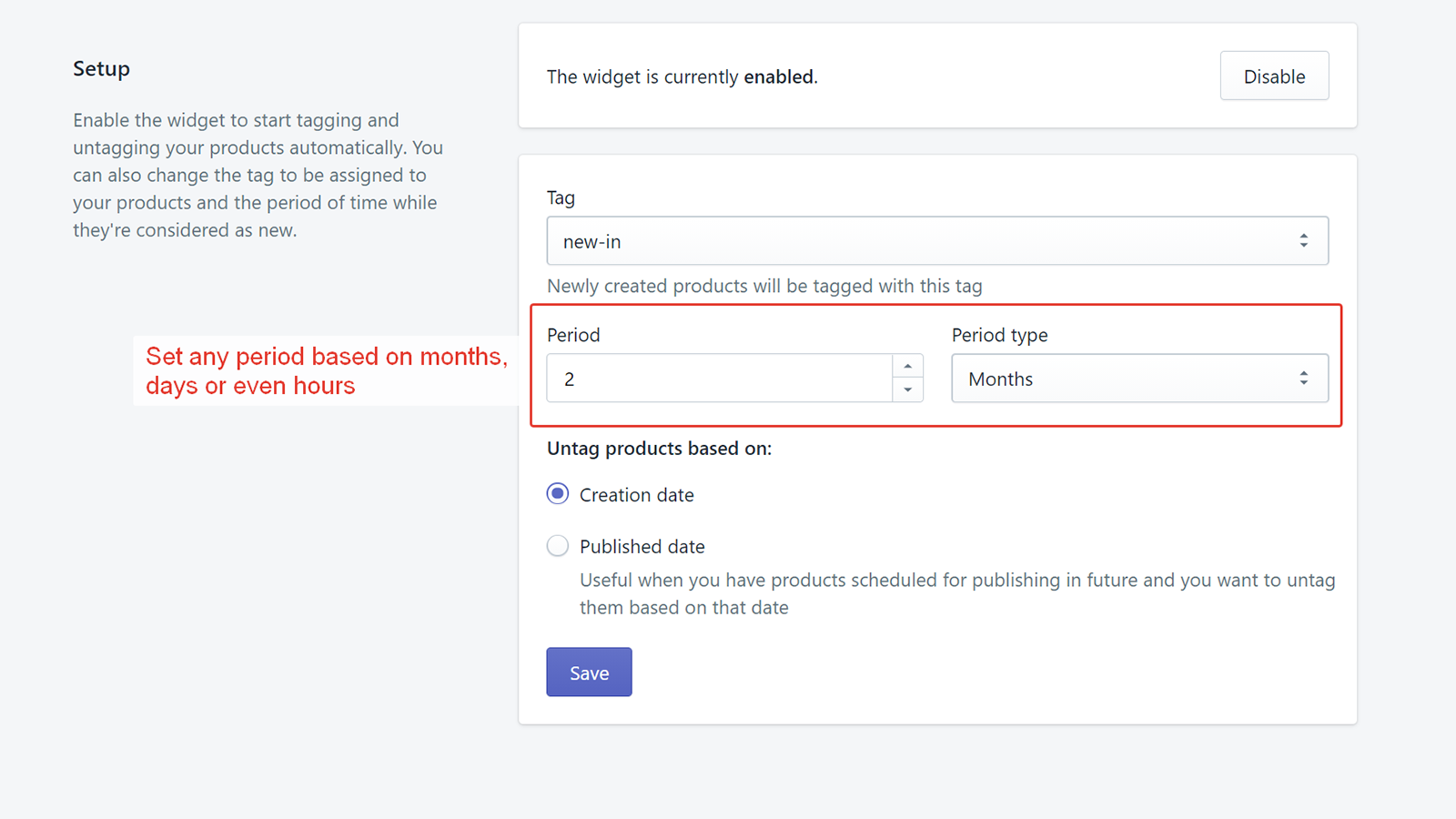
The New Arrivals products tagger app is simple and does what it says. New products are tagged with a tag for a configured period of time. And then untagged. Automatically. That's it.
- Configure any tag to feature your New Arrivals
- Configure any period of time to keep the products tagged
- Update sort order of the products in the New Arrivals collection
- Simple interface
Features
- Auto-sync data
- Automated
- Conditional logic
- Custom rules
- Filtering
- Group products
- Hide products
- Product tags
- Real-time updates
- Scheduled tasks
- Stock replenishment
- Tagging
- Time-based
New Arrivals Maestro pricing
Free trial · From $5 / month. Prices in USD; check the App Store for the latest.
-
Basic Monthly
$5 / month
Shopify stores using New Arrivals Maestro
We haven't detected New Arrivals Maestro on a live Shopify store yet. We recognise the apps that leave a trace in a store's code; some apps run only in the admin or the checkout.
Detect apps on any storeFAQ
New Arrivals Maestro: FAQ
The app automatically tags/untags products based on creation or published time.
No. Plans start at $5 a month, with a free trial.
We haven't detected New Arrivals Maestro on a live Shopify store yet. Scan any store on ShopScan to see the apps it runs.
New Arrivals Maestro is built by Bug Shall Not Pass, based in New Zealand, and launched in November 2020.
4.9 out of 5 from 20 reviews on the Shopify App Store.