


Outfy Automatically Creates and Posts AI Videos, Promotions & Product Images on IG, FB, TikTok, Pin
- Stores using it
- — Not detected yet
- Rating
- 4.8 / 5 571 reviews
- Price
- $20 / mo Free plan available
- Launched
- October 2015 United States
Screenshots

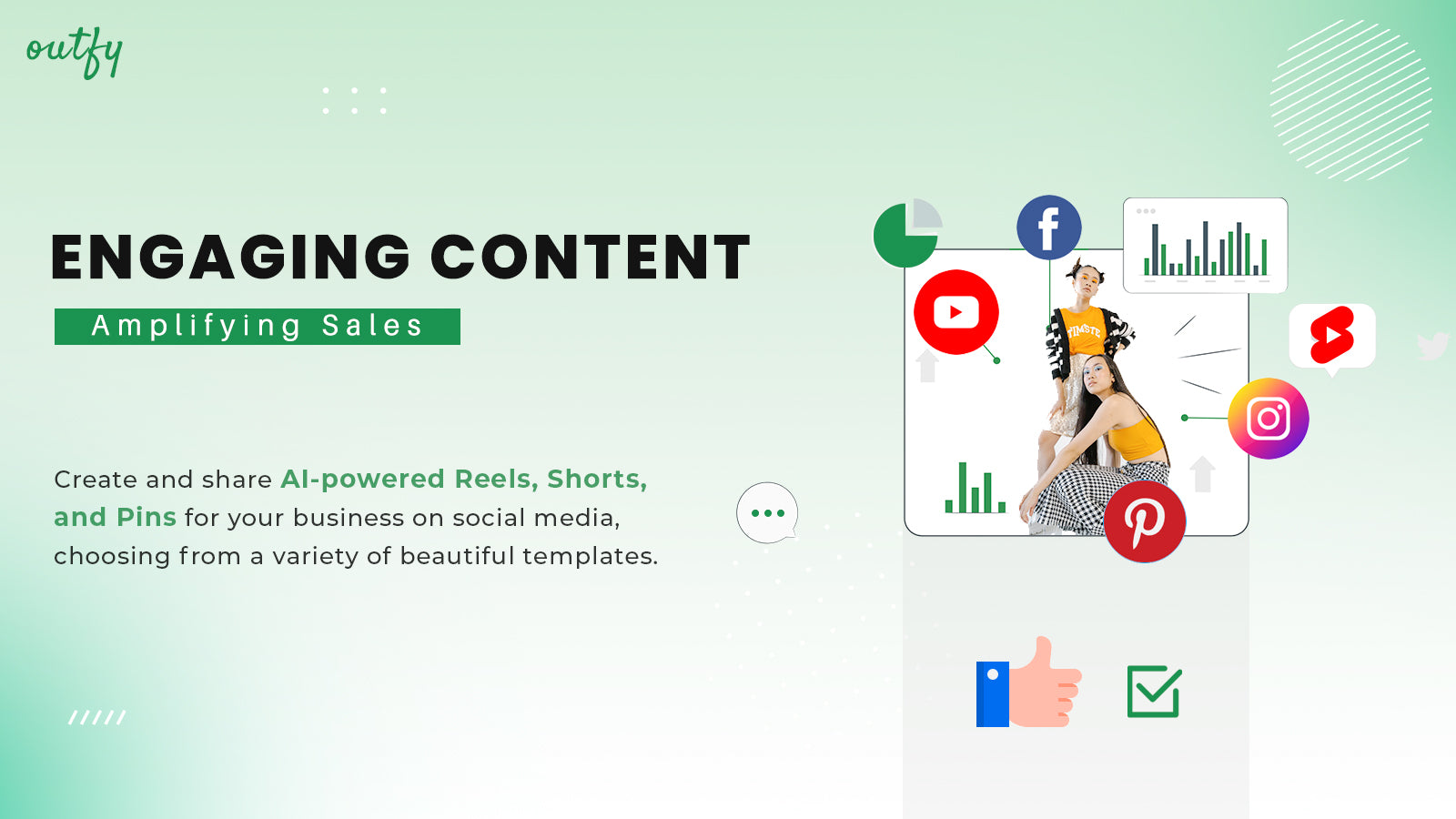
About Outfy ‑ Social Media Auto Post
Merchants highly recommend this app for enhancing social media marketing, noting its time-saving automation features and support for multiple platforms like Facebook, Instagram, and TikTok. They appreciate the advanced scheduling capabilities, user-friendly interface, and responsive customer support, which streamline social media tasks and boost marketing efficiency. The tools for creating product collages and videos are also highlighted as particularly useful.
Outfy Automatically Creates and Posts AI Videos, Promotions & Product Images on IG, FB, TikTok, Pin
Outfy makes social media easy for your business! Just set it up once, and Outfy will automatically post videos, promotions, product images, reviews (JudgeMe, Fera), and collages every day on TikTok, Instagram, Facebook, Pinterest, YouTube, and Twitter. With smart AI, Outfy plans your posts in advance and makes sure sold-out items aren’t promoted. No manual work - Outfy handles everything for you!
- AI Powered Content - Reels, Shorts, Videos, Stories, Promotions, Reviews
- Auto Posting - Auto post on Facebook, Instagram, TikTok, Pinterest, YouTube & X
- AI Captions & Hashtags - Multilingual Captions, trending Hashtags and Emoji's
- Integrations - Connect with Canva, JudgeMe, Fera, GIPHY, and Tenor
- Free Live demo with a Customer Success Manager
Features
- Shoppable videos
- Social sharing
- UGC
- Video editing
- Video templates
Outfy ‑ Social Media Auto Post pricing
Free plan available · Free trial · From $20 / month. Prices in USD; check the App Store for the latest.
-
FREE forever
Free
- 1 Auto post PRODUCT per day / network
- Post to IG, FB, Pinterest
- Email Support
-
Starter
$20 / month
192 billed yearly (save 20%)
- Automated Posts
- - Products (Unlimited)
- - 12 Classic Videos / day
- - 12 Collages / day
- Manual Posts
- - AI Captions & Hashtags
- Post to IG, FB, Threads, Pinterest
- Live demo with Customer Success Manager
-
Pro
$40 / month
336 billed yearly (save 30%)
- Unlimited Automated Posts
- - Classic Videos
- - Collages
- - Promotions (Images)
- - AI captions & Hashtags
- Unlimited Manual Posts
- - AI Powered Videos
- Post to IG, FB, Pinterest, X, TikTok, YT
-
Ultimate
$70 / month
504 billed yearly (save 40%)
- Unlimited Automated Posts
- - AI Powered Videos
- - Promotions (Videos & Images)
- - Multilingual AI Captions & Hashtags
- Unlimited Manual Posts
- - Product Reviews
- Connect 2 Accounts per Social Network
- + all PRO Plan features
Shopify stores using Outfy ‑ Social Media Auto Post
We haven't detected Outfy ‑ Social Media Auto Post on a live Shopify store yet. We recognise the apps that leave a trace in a store's code; some apps run only in the admin or the checkout.
Detect apps on any storeFAQ
Outfy ‑ Social Media Auto Post: FAQ
Outfy Automatically Creates and Posts AI Videos, Promotions & Product Images on IG, FB, TikTok, Pin
Outfy ‑ Social Media Auto Post has a free plan; paid plans start at $20 a month.
We haven't detected Outfy ‑ Social Media Auto Post on a live Shopify store yet. Scan any store on ShopScan to see the apps it runs.
Outfy ‑ Social Media Auto Post is built by Outfy, based in United States, and launched in October 2015.
4.8 out of 5 from 571 reviews on the Shopify App Store.