

Increase your store sales by reaching Gen Z and Millennials on Snapchat.
- Stores using it
- 27,237 1.3% of stores we track
- Rating
- 4.6 / 5 701 reviews
- Price
- Free plan Free plan available
- Top country
- United States 11,668 stores
Screenshots
About Snapchat Ads
Merchants appreciate the app for its easy setup and seamless Shopify integration, making it user-friendly for those new to digital advertising. It effectively targets younger audiences with engaging formats like Stories and AR Lenses. The ads are cost-effective with potentially lower CPMs, and the robust support and detailed analytics are highly valued for optimizing marketing strategies and troubleshooting.
Increase your store sales by reaching Gen Z and Millennials on Snapchat.
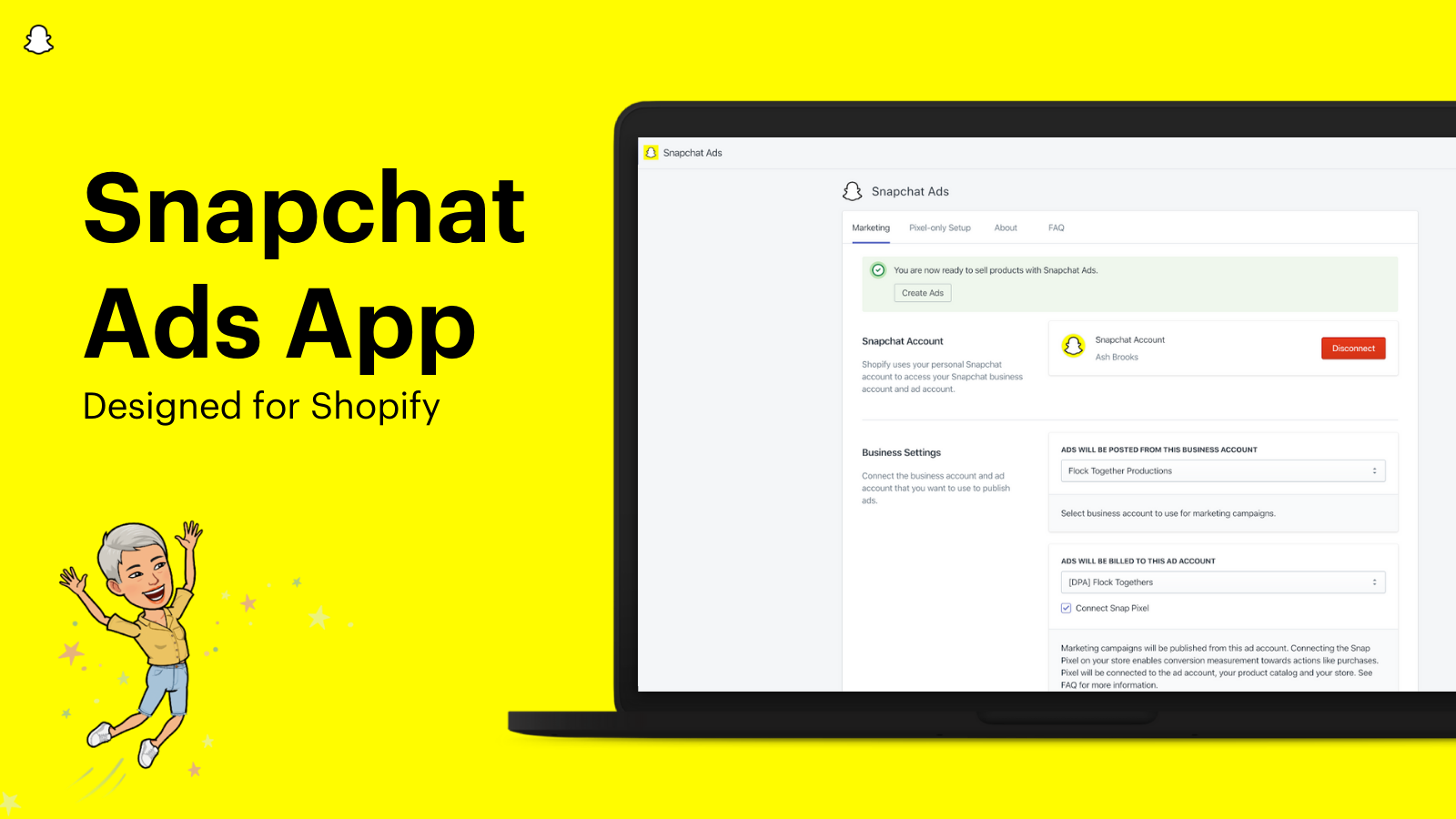
Join tens of thousands of Shopify merchants using the Snapchat Ads App to promote and grow their businesses! Snapchat is the best place for your Shopify store to reach Gen Z and Millennials, and tap into their $5 trillion spending power. The app makes it easy to set up, run and track your Snapchat Ads. Here’s how the Snapchat Ads App for Shopify can help ecommerce stores like yours improve sales:
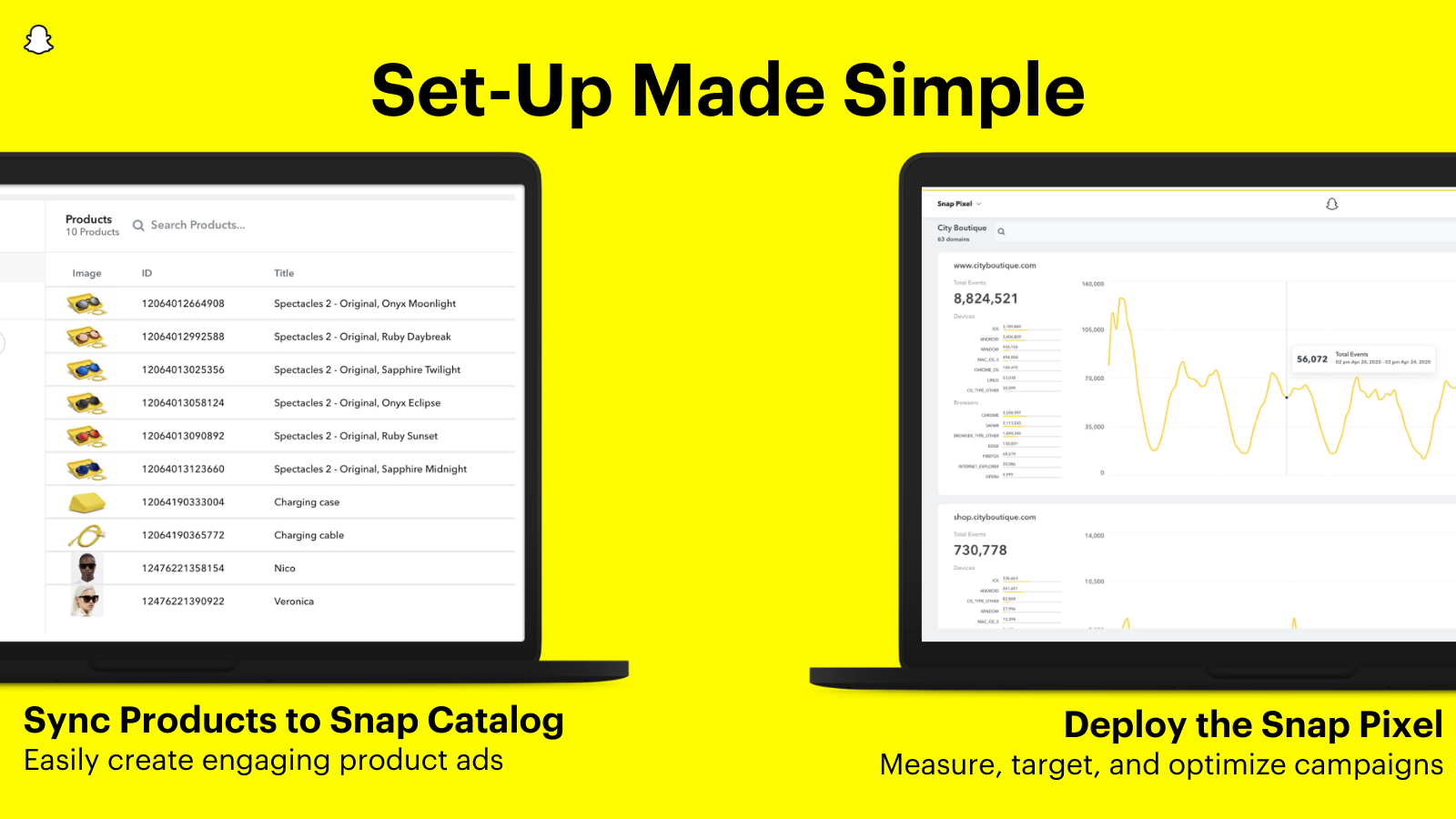
- Sync your product catalog to easily create dynamic ads.
- Install the Snap Pixel in one click to improve ad performance and reporting.
- Reach a highly engaged audience who open Snapchat almost 40 times a day.
- Plus, unlock a free ad credit when you create your first ad! (subject to T & Cs)
Snapchat Ads pricing
Free plan available. Prices in USD; check the App Store for the latest.
-
Free
Free
- Free to install. Additional charges may apply.
Shopify stores using Snapchat Ads
We detect Snapchat Ads on 27,237 live Shopify stores, 1.3% of all the stores we track. Most of them are in United States.
- Stores using it
- 27,237
- Share of stores
- 1.3%
- Median products
- 56
- Countries
- 12+
| # | Store | Location | Products | Theme | Scan |
|---|---|---|---|---|---|
| 1 | Muse: the brain sensing headband choosemuse.com | San Bernardino, United States | 15 | — | Scan |
| 2 | Fashionnova fashionnova.com | — | — | — | Scan |
| 3 | BrewDog brewdog.com | United Kingdom | 484 | — | Scan |
| 4 | G FUEL gfuel.com | Hauppauge, United States | 159 | — | Scan |
| 5 | streetshirts streetshirts.com | Lincoln, United Kingdom | 111 | Dawn | Scan |
| 6 | Comfrt comfrt.com | Amityville, United States | 267 | Dawn | Scan |
| 7 | The Oodie theoodie.com | Hindmarsh, Australia | 437 | Dawn | Scan |
| 8 | MEAN BLVD meanblvd.com | Harvey, United States | 9,347 | Edge | Scan |
| 9 | HexClad Cookware hexclad.com | Los Angeles, United States | 155 | — | Scan |
| 10 | Kona Bicycle Company USA konaworld.com | Ferndale, United States | 466 | Impact | Scan |
See the top 100 stores using Snapchat Ads
Where these stores are
What these stores sell
Installed alongside Snapchat Ads
The apps most often found on the same stores: the share of 1,000 stores running Snapchat Ads that also run each one.
- Shop 72.4%
- Pinterest 43.3%
- Klaviyo: Email Marketing & SMS 30.1%
- Judge.me Product Reviews 21%
- Mailchimp Email SMS Marketing 15%
- Mailchimp Forms: Capture Leads 10.9%
- Microsoft Clarity: AI Insights 10%
- Printful: Print on Demand 9.9%
- PC ‑ Custom Product Options 9.9%
- Brevo PushOwl: Email,Push,SMS 8.8%
- Shopify Product Reviews 8.2%
- Google & YouTube 8%










FAQ
Snapchat Ads: FAQ
Increase your store sales by reaching Gen Z and Millennials on Snapchat.
Snapchat Ads has a free plan.
ShopScan detects Snapchat Ads on 27,237 live Shopify stores, 1.3% of all the stores we track. Most are in United States (11,668).
Shop (72.4%), Pinterest (43.3%), Klaviyo: Email Marketing & SMS (30.1%) are the apps most often installed on the same stores.
Snapchat Ads is built by Snap Ads, based in United States, and launched in November 2018.
4.6 out of 5 from 701 reviews on the Shopify App Store.