


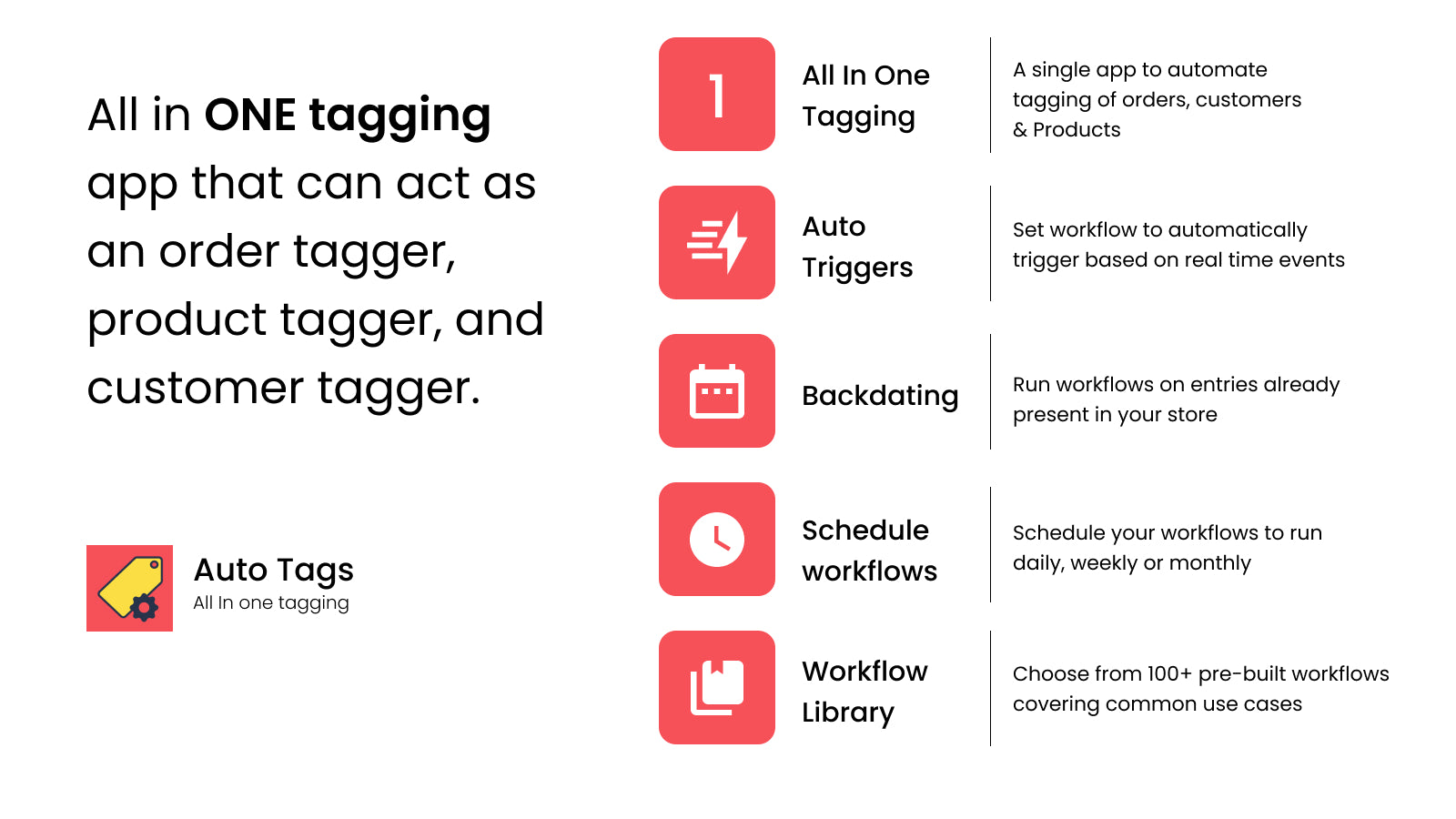
All in ONE tagging app that can act as an order tagger, product tagger, and customer tagger.
- Stores using it
- — Not detected yet
- Rating
- 4.9 / 5 204 reviews
- Price
- $8 / mo Free plan available
- Launched
- December 2020 United Arab Emirates
Screenshots
About Leap Auto Tags | All‑in‑1 Tags
Merchants highly recommend this app for its efficient tagging process that saves time and organizes data effectively, aiding in customer and product management. It supports diverse tagging needs with complex rules and bulk operations. Users appreciate its user-friendly interface and reliable performance. The support team is noted for quick, personalized assistance and customization capabilities, enhancing business efficiency and management.
All in ONE tagging app that can act as an order tagger, product tagger, and customer tagger.
Set up the app to automatically tag products, customers & orders using custom rules of your choosing It allows you to streamline your order management, creation of customer segments for marketing campaigns & categorize products to enhance discovery. You just need to set up your workflows specifying filtering conditions, and the app will take care of tagging entries that match your conditions in real-time. You can also run the workflows to tag existing entries in your store.
- Create unlimited, custom workflows based on unique business needs
- Use custom matching rules that can be combined using operators like AND & OR.
- Automatically tag products, orders & customers in single app!
- Run your workflows to tag existing orders, customers or products
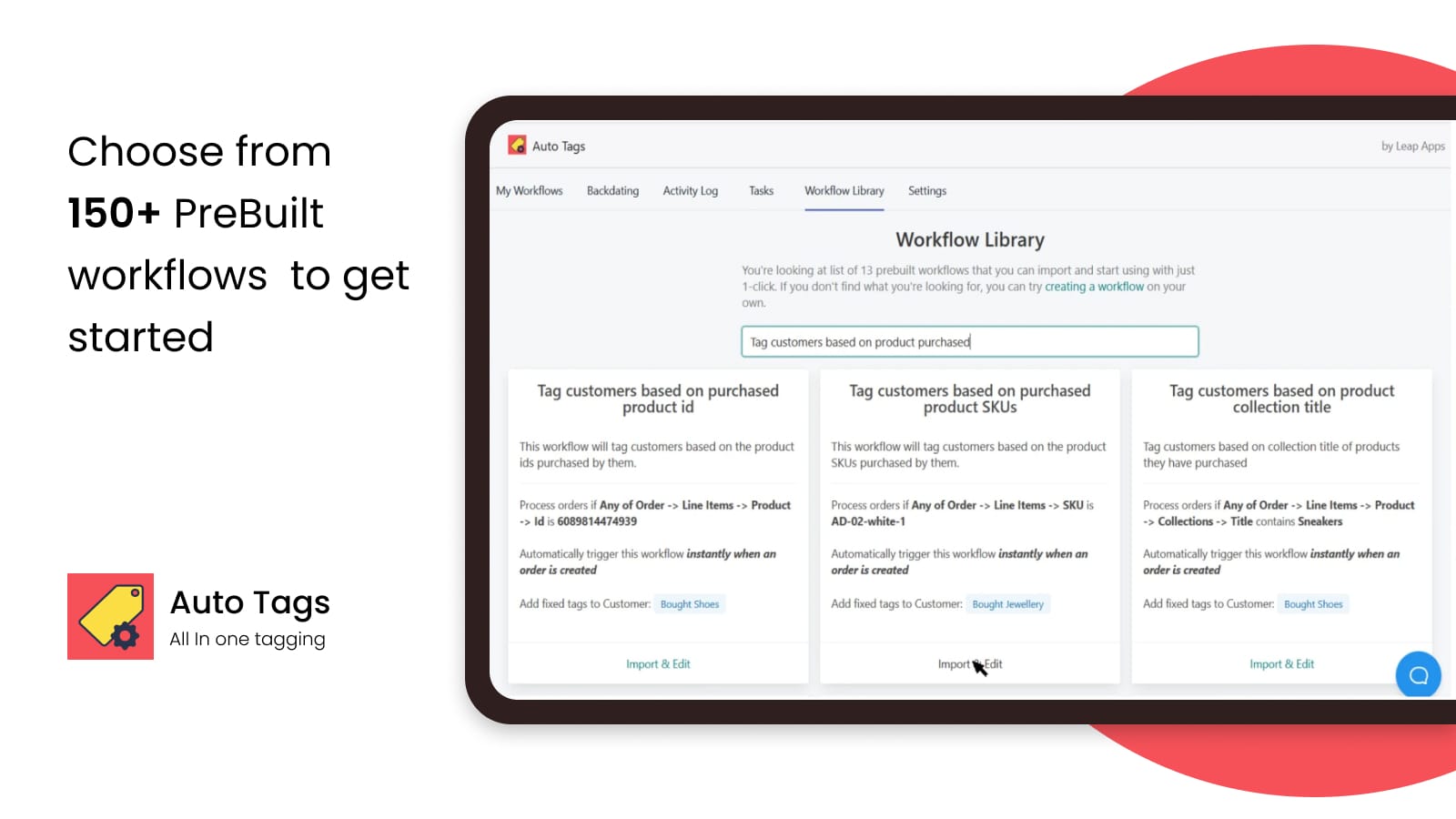
- 100+ pre-built workflows to help you get started in no time!
Features
- Conditional logic
- Custom workflows
- Customer segments
- Customer tags
- Order tags
- Product tags
- Scheduled tasks
- Time-based
Leap Auto Tags | All‑in‑1 Tags pricing
Free plan available · Free trial · From $8 / month. Prices in USD; check the App Store for the latest.
-
Free Plan
Free
- Free plan available for trial and development stores
- All features without any restrictions
-
Basic Plan
$8 / month
- Not available for Shopify Plus merchants
- Up to 2,000 tags per month
- Tag Orders, Products, and Customers
- Unlimited Workflows
- Real-time Tagging
- Bulk Tagging of Historical Entries
-
Professional Plan
$15 / month
- All Basic Features
- Up to 10,000 tags per month
- Dynamic Tags
- Tag Expiry
- Dedicated Queue for Long-Running Tasks
-
Business Plan
$30 / month
- All Basic Features
- Up to 50,000 tags per month
- Dynamic Tags
- Tag Expiry
- Dedicated Queue for Long-Running Tasks
- Please ask for enterprise plan
Shopify stores using Leap Auto Tags | All‑in‑1 Tags
We haven't detected Leap Auto Tags | All‑in‑1 Tags on a live Shopify store yet. We recognise the apps that leave a trace in a store's code; some apps run only in the admin or the checkout.
Detect apps on any storeFAQ
Leap Auto Tags | All‑in‑1 Tags: FAQ
All in ONE tagging app that can act as an order tagger, product tagger, and customer tagger.
Leap Auto Tags | All‑in‑1 Tags has a free plan; paid plans start at $8 a month.
We haven't detected Leap Auto Tags | All‑in‑1 Tags on a live Shopify store yet. Scan any store on ShopScan to see the apps it runs.
Leap Auto Tags | All‑in‑1 Tags is built by Leapsoft, based in United Arab Emirates, and launched in December 2020.
4.9 out of 5 from 204 reviews on the Shopify App Store.