

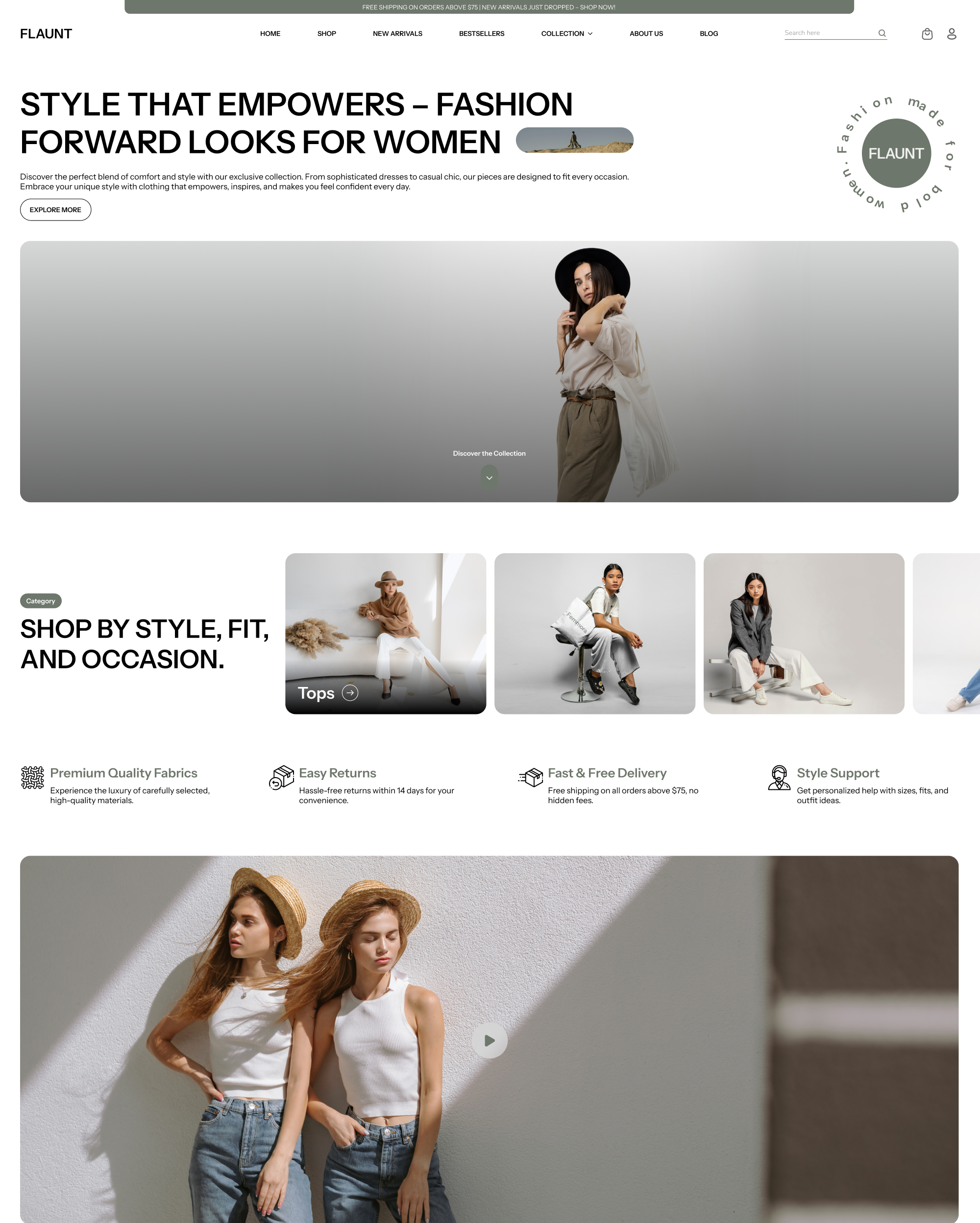
About Flaunt
Trend-led, versatile design that elevates products and boosts sales. We detect it on 15 live Shopify stores, most of them in United States.
Features
The 52 features Flaunt lists on the Theme Store. Each links to the other themes that have it.
Cart and checkout
Marketing and conversion
Merchandising
Shopify stores using Flaunt
We detect Flaunt on 15 live Shopify stores, <0.1% of all the stores we track. Most of them are in United States.
- Stores using it
- 15
- Share of stores
- <0.1%
- Median products
- 64
- With a contact email
- 13.3%
Where these stores are
What these stores sell
What merchants say about Flaunt
The latest reviews on the Shopify Theme Store, where 100% of 1 are positive.
-
Positive Dec 9, 2025
I use the flaunt Shopify theme for Baby clothing store and I love how clean, easy to use and professional it looks. Customizing everything was simple and the store loads fast on Mobile, which is perfect since many parents shop on their phones.
— tryoutshop
FAQ
Flaunt theme: FAQ
Trend-led, versatile design that elevates products and boosts sales.
No. Flaunt costs $290, a one-time payment on the Shopify Theme Store; you can try it on your store for free before buying.
ShopScan detects Flaunt on 15 live Shopify stores, <0.1% of all the stores we track. Most are in United States (8).
Flaunt is built by Vowel Web, based in India; the current version is 1.2.3.
52 Theme Store features, including cart notes, gift wrapping, in-store pickups, pre-order, quick buy, sign in with shop.
100% of its 1 reviews on the Shopify Theme Store are positive.